When Your Collections Tooling Can't Keep Up With Volume

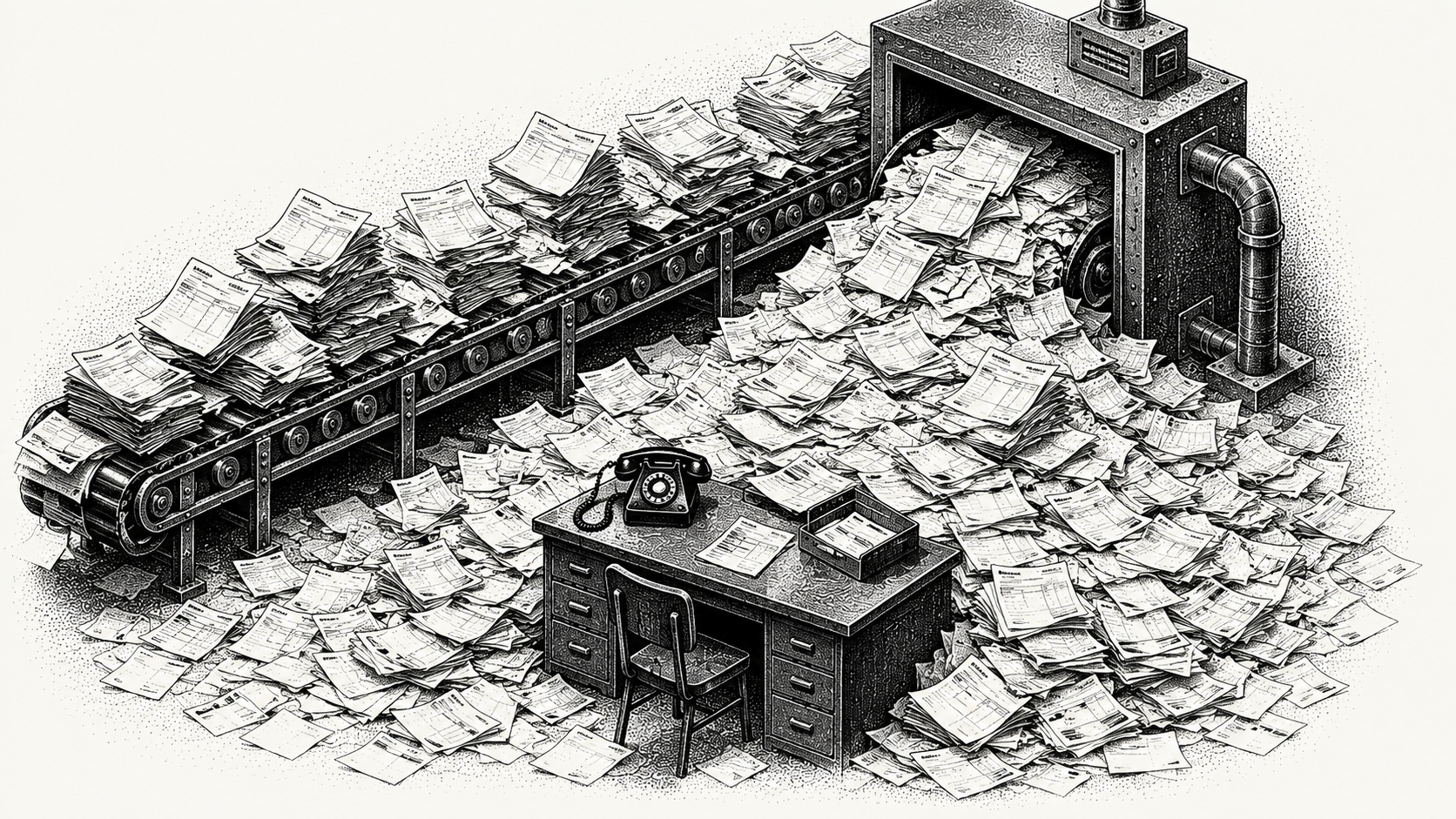
A collections list that loads fine at two hundred open accounts can crawl at two thousand. Nobody notices the tool was never built for volume until the team is already running on it, and by then switching costs more than the slowdown does.
The volume problem nobody plans for
Most AR teams pick a collections tool when they're small. The list view is fast, the workflow is simple, and everyone can hold the state of every account in their head. None of that scales linearly. Add ten times the customers and the list view doesn't just get ten times slower, it gets unusable, because most tools weren't built with pagination or filtering designed for real scale.
The second thing that breaks is memory. At low volume, a collections lead can remember why an account was paused, who talked to that customer last, and what happened on the call two weeks ago. At high volume, that institutional memory has to live somewhere other than someone's head, or it disappears the day that person is out sick.
What actually breaks first
Three things go first, usually in this order:
- The list view. Server-side pagination stops being optional once you're past a few hundred active accounts, but most tools are built assuming everything fits on one page.
- Audit trail. When a compliance question comes up, "what happened on this account and when" needs an answer that doesn't involve someone's memory or a search through old emails.
- Context handoff. A new team member or a covering teammate needs to see account history fast, not reconstruct it from scattered notes.
Why this matters more with AI-driven collections
Julia, Monk's collections agent, works from your business logic, tuned during onboarding to your escalation rules, and refined on an ongoing basis to improve accuracy. That kind of system generates a lot of activity: agent replies, escalations, status changes, tasks. At volume, all of that needs a home that's fast to search and easy to audit, or the visibility a team gained from automation gets buried in noise instead.
This is part of why Monk rebuilt its own collections command center, called Mission Control, as its own dedicated space this year. The collections list was rebuilt to handle much larger volumes without slowing down, and a new customer activity timeline shows everything that's happened on an account, with filters and an export built for audit.
What to check before you hit the wall
A few questions worth asking about your current setup, before volume forces the answer:
- Does the collections list stay fast past a thousand active accounts, or does someone already avoid opening it on a Monday?
- Can a new hire see an account's full history in one place, or does onboarding involve someone walking them through tribal knowledge?
- If an auditor asked what happened on a specific account in March, how long would that answer take to produce?
If any of those answers involve "we'd have to check with someone," the tooling is the bottleneck, not the team.
Frequently Asked Questions
Why does collections software slow down as customer count grows?
Most tools are built assuming everything fits on one page, without server-side pagination designed for volume. Past a few hundred active accounts, list views that load fine at small scale start to lag or become unusable.
What is an activity timeline in AR collections software?
A running record of everything that's happened on a customer account, replies, escalations, status changes, calls, and notes, in one place. It replaces relying on someone's memory or a search through old email threads.
Why does audit trail matter for collections at scale?
Compliance and finance leadership eventually ask what happened on a specific account and when. Without a built-in audit trail, that answer depends on someone remembering or manually reconstructing history, which gets slower and less reliable as volume grows.
How does AI-driven collections change what a team needs from its tooling?
AI-driven collections generates a lot of automated activity, replies, escalations, status changes, on top of what a human team would generate manually. That activity needs to be searchable and auditable, or the visibility gained from automation gets lost in volume.
What breaks first when a company scales past a few hundred accounts?
Usually the list view first, followed by audit trail and context handoff between team members. All three come from the same root issue: tooling built for a small team's workflow, not for volume.
Does Monk's collections platform handle high account volume?
Yes. Monk rebuilt its collections command center, Mission Control, as its own dedicated space this year, with the collections list built to handle much larger volumes and a customer activity timeline with filters and audit export.



.avif)