How to Triage a Collections Inbox

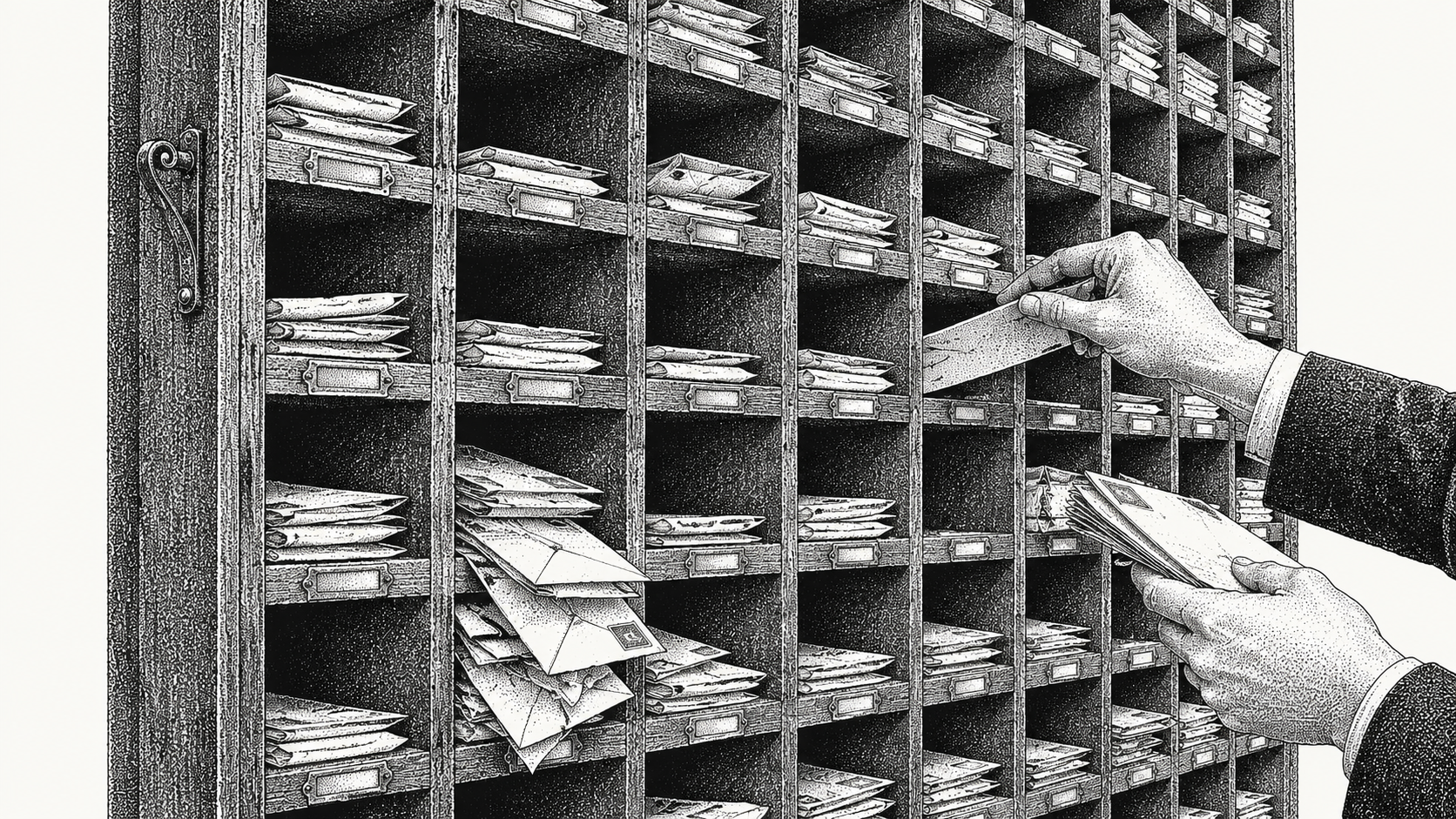
To triage a collections inbox, classify every thread by the action it requires rather than by its age or its sender, then route each class to the person or system that can close it that day. Monk is an AI-native invoice-to-cash platform that runs invoicing, AP portal submission, collections and cash application as one system, so a reply arriving in the mailbox is already attached to the invoice, the payment history and any open dispute it concerns. Most finance teams sort by date, because that is what an email client offers, hiding the structure underneath. A receivables mailbox carries about eight distinct kinds of mail, and only two of them need a collector's judgement. The rest is document supply, cash application evidence and delivery failure, each with a different owner.
The shape becomes familiar once a business passes a few hundred customers. A shared ar@ or billing@ address accumulates a few thousand open threads, two collectors give up half a day each to replies that need no judgement, and the queue gets worked from whatever appears on the first screen. A remittance advice from three weeks ago sits unopened behind it, so the cash it explains is still in suspense and the aging report overstates that customer by the same amount.
Why does helpdesk triage break down on a receivables mailbox?
A support queue is designed to satisfy the person who wrote in, while receivables triage exists to move a payable document through somebody else's approval chain.
In a support tool the requester and the beneficiary are the same person, the ticket opens when they ask and closes when they say they are content, and routing runs on keywords in the subject line. Every one of those assumptions breaks on receivables mail. The person who writes to you is an accounts payable analyst or a shared service centre agent who cannot authorise payment and has no reason to confirm anything is resolved.
Priority behaves differently too. An automated notice saying an approver is away until the fifteenth can matter more to cash than an irritated message about a small credit note, and no helpdesk priority field will say so. Value and payment date set the order in receivables, and both live in the ledger.
Closure is the third mismatch. A support ticket ends at the reply, whereas a receivables thread ends when money moves or when a document becomes payable in the buyer's system. A promise to pay dated the twenty-eighth has to reappear on the twenty-ninth, which most helpdesk software records as a reopened ticket and a breach.
What categories does inbound receivables mail fall into?
Eight categories cover almost everything, and they arrive in roughly this order of volume: remittance advice, document requests, portal and delivery failures, disputes and deductions, promises to pay, payment confirmations, out of office and bounces, and genuine questions.
| Category | What arrives | Who closes it | What done looks like |
|---|---|---|---|
| Remittance advice | A PDF, CSV or EDI 820 listing invoices and amounts, often with an empty message body and a payment already in the bank | Cash application | The receipt is matched and posted, and any short pay is coded |
| Document requests | W-9, certificate of insurance, ACH or bank change form, vendor onboarding pack, tax residency certificate, signed supplier agreement | A document library, with billing as backup | The document is sent through the channel the buyer named, and filed against the customer |
| Portal and delivery failures | Rejection notices from Coupa, SAP Ariba, Tungsten or Taulia, hard bounces, quarantine notices, invoices returned for a missing purchase order number | Billing operations | The invoice is corrected and resubmitted through the same route, and delivery is evidenced |
| Disputes and deductions | Price and quantity queries, service credits, chargebacks, deduction notices from retail customers | A collector, with the account owner informed | An exception exists against the invoice line with a scope, a named approver and a decision date |
| Promises to pay | A named date, a payment run reference, a request for a short extension | A collector | The date is recorded on the account and the reminder cadence is suppressed until it passes |
| Payment confirmations | Payment made yesterday, cheque posted, wire reference attached, portal status now scheduled | Cash application | Expected cash is flagged and reminders stop before the next one embarrasses you |
| Out of office and bounces | Replies naming a deputy, mailbox full notices, dead addresses | Data maintenance | The contact record is updated or superseded, and the chase is redirected the same day |
| Genuine questions | Explain this charge, what is the balance, can we move to monthly billing, resend the statement | A collector or the account owner | The customer has an answer and the ledger reflects whatever was agreed |
The order is directional rather than fixed. Sell to hospital systems and distributors and document requests and portal rejections will dominate, because 92% of enterprise invoices must be submitted through a vendor portal or network rather than paid from an emailed invoice, measured across the receivables Monk manages. Count your own mailbox for a week before building a rota around somebody else's mix.
Why is most of the mailbox not collections work at all?
Remittance advice, document requests, portal failures and payment confirmations together make up the bulk of the volume, and none of them turn on a collector's judgement.
Document supply is retrieval. A buyer asks for a W-9, a certificate naming their entity as additional insured, a bank letter or a completed vendor form, and the answer already exists in a folder somewhere. The work is finding the current version, checking that the legal entity on it matches the entity on the contract, and returning it through the channel the buyer named, often a portal rather than a reply. None of that needs someone who understands ageing or credit risk, and yet it usually goes to the person who does.
Remittance handling is data entry with a deadline. The payment has arrived or is about to, and the email carries the only explanation of what it covers. Left unopened, the cash sits unapplied, the invoices stay open, and reminders keep running against a customer who has already paid.
The cost of miscategorising this work is easy to underrate. Two collectors losing half a day each lose more than the hours. They spend their sharpest working time on retrieval and copying, while the disputes that need a decision queue behind a stack of PDF requests. Edge cases of that kind cause 39% of cash flow slowdown.
What does a first pass classification need to read to be right?
The subject line and the sender domain get you about half way. The rest comes from the attachment, the invoice references inside it, and the state of those invoices in the ledger.
Six signals decide most classifications. The attachment and its contents, since remittance advice often arrives with an empty body and everything in a spreadsheet. Any invoice or purchase order numbers anywhere in the message or its files. The status of those invoices in your ledger, because the same sentence means different things against an open invoice and one paid last week. The amounts, and whether they tie to open items exactly, in combination or with a shortfall. The sender's role and domain, which separates a portal robot from an analyst. And the presence of a date, which distinguishes a promise to pay from an expression of goodwill.
Messages that belong to two categories are common and should be handled by one rule: the more expensive action wins. A remittance advice that also announces a two thousand dollar deduction is a dispute with a remittance attached, so it goes to a collector and a copy goes to cash application. Classify by the action required, and let the cheaper action follow the expensive one.
Who owns the thread, the inbox owner or the account owner?
The inbox owner guarantees that every thread leaves the mailbox with a named owner and a date, while the account owner is answerable for the balance on that customer.
These are separate jobs, and conflating them causes two recognisable failure modes. Where only account owners exist, each collector reads mail for their own customers and nobody reads the rest, so remittance for another collector's account can sit unopened for a month. Where only an inbox owner exists, the account owner discovers a dispute at month end, and the customer receives a reminder three days after agreeing a payment plan with somebody else.
A workable structure is a duty rota. One named person per day works the mailbox to zero unassigned threads, handling document requests and remittances directly and assigning everything else to the account owner with a due date. At day end they hand over the unassigned count, anything routed above a value threshold, and any customer who wrote in twice. Escalation stays with the account owner, who decides whether to hold shipment, involve the commercial team or move the account to a payment plan.
How do you tell whether triage is working?
Measure time to first meaningful action rather than time to first reply, because an acknowledgement changes nothing about when the money arrives.
Time to first reply is easy to improve and easy to fake. A template saying the query has been received can bring the average down to minutes while the ageing profile stays where it was. Define the meaningful action per category instead. For remittance, the receipt is matched or queued with an exception. For a document request, the document is sent or a dated request is logged with whoever holds it. For a portal rejection, a corrected submission is filed. For a dispute, an exception exists against the invoice line with an owner and a decision date.
Four numbers describe the health of the mailbox. Unassigned threads at day end, which should be zero. The age of the oldest thread without a meaningful action. First pass classification accuracy, sampled by pulling twenty threads a week and checking where they went. And the interval between a remittance arriving and the cash being applied.
Set the routing target separately from the resolution target, one working day to a named owner. Routing sits inside your control and resolution often does not, so one blended number punishes the team for a buyer's approval calendar.
How does Monk handle this?
Monk reads the mailbox with the ledger open, so classification happens against the invoice rather than against the text of the message alone.
Inbound replies flow into Monk's Intelligent Collections, which reads the thread and treats it as an event on the invoices it names. Julia, Monk's AI agent for Intelligent Collections, ingests the context of the conversation, so a reply promising payment on the twenty-eighth stops the cadence and reappears on the twenty-ninth without anybody setting a reminder. Julia sees a 24% higher response rate than standard dunning, and 90% of collections resolve with zero human intervention.
Remittance advice and payment confirmations route into Monk's AI cash application, which matches 80% of receipts automatically and 95% with suggested matching rules, so the aging report reflects money that has already arrived. Document requests and portal work sit alongside the same customer record, and Monk handles AP portal submission as part of the flow rather than as an errand.
Monk works with QuickBooks, NetSuite, Salesforce, HubSpot and Stripe, alongside Slack, Gmail, Docusign, Anrok, Plaid and Mercury, and is SOC 2 Type II compliant. Onboarding takes less than one week and customers see results in their first month. Teams report a 40% average reduction in DSO and 26 hours a month saved on receivables work, against $2B+ in accounts receivable under management.
Where should you start?
Spend one hour this week counting your own mailbox, because a rota built on assumed volumes will route the wrong things.
Take the last two hundred inbound messages, tag each with a category from the list above, and add the invoice value attached to the thread where there is one. That gives you three answers: which categories dominate, what share of the volume needs a collector at all, and how much money sits behind threads nobody has actioned. Most teams find that document supply and remittance together account for the majority.
Then pick the largest non-judgement category and remove it from the mailbox entirely. A shared document library holding current certificates and forms per customer, or an automated route for remittance into cash application, clears more in a week than any amount of folder discipline. To see the same classification run against your live mailbox and ledger together, book a demo.
Frequently Asked Questions
What is the difference between a collections inbox and a shared AR mailbox?
A shared AR mailbox is an email address several people can open. A collections inbox is a working queue where each thread carries the invoice, the balance, the payment history and any open dispute, and where every thread has an owner and a dated next action. The distinction shows up the moment somebody asks how much money sits behind unread mail, since a mailbox cannot answer that and a collections inbox can.
Should collections email go into Zendesk or a similar helpdesk?
Helpdesk tools are built around a requester who wants an answer, and they work well for that. Receivables threads end when an invoice becomes payable in the buyer's system, which the ticket model does not represent, and priority here comes from invoice value and payment dates held in the ledger. Teams that route AR mail into a helpdesk usually end up keeping a parallel spreadsheet of promises and disputes, which is the signal to move.
How many categories should a triage taxonomy have?
Eight is enough for most teams and more than twelve is unworkable. Every extra category adds a boundary someone has to think about, and thinking time at classification is the cost you are removing. Start with remittance, documents, portal and delivery, disputes, promises, confirmations, automatic replies and questions, then split one only when the routing truly differs.
Who should read the collections inbox first thing in the morning?
A named duty person on a rota, rather than whoever has time. That person works the mailbox to zero unassigned threads, handles document and remittance traffic directly, and assigns the rest to account owners with a due date. Rotating the duty means every collector sees the real composition of the queue.
What should happen to an out of office reply?
Read it before dismissing it. An automatic reply naming a deputy is a contact update, and that deputy belongs on the customer record as an alternate accounts payable contact the same day. A mailbox full notice or a hard bounce means the invoice was never delivered, which changes the job from chasing payment to proving delivery.
How do you handle a message that is both a remittance and a dispute?
Route it to the more expensive action and copy the cheaper one. A remittance advice listing a deduction goes to a collector as a dispute, with the payment detail passed to cash application so the receipt is posted the day it arrives. That split also prevents the common error of leaving a whole payment unapplied because one line is contested.
Can classification be automated safely?
Classification and routing carry less risk than sending, because a misrouted thread is visible and reversible while a wrong message to a customer is neither. Automate reading and routing first, keep a person approving anything that leaves the building, then release automatic sending for the narrow categories where the reply is a known document. Ask for an audit log showing what was classified, on what evidence, and who saw it.





.avif)