The Toolkit for Real-Time AR Visibility: What to Combine and How to Measure It (2026)

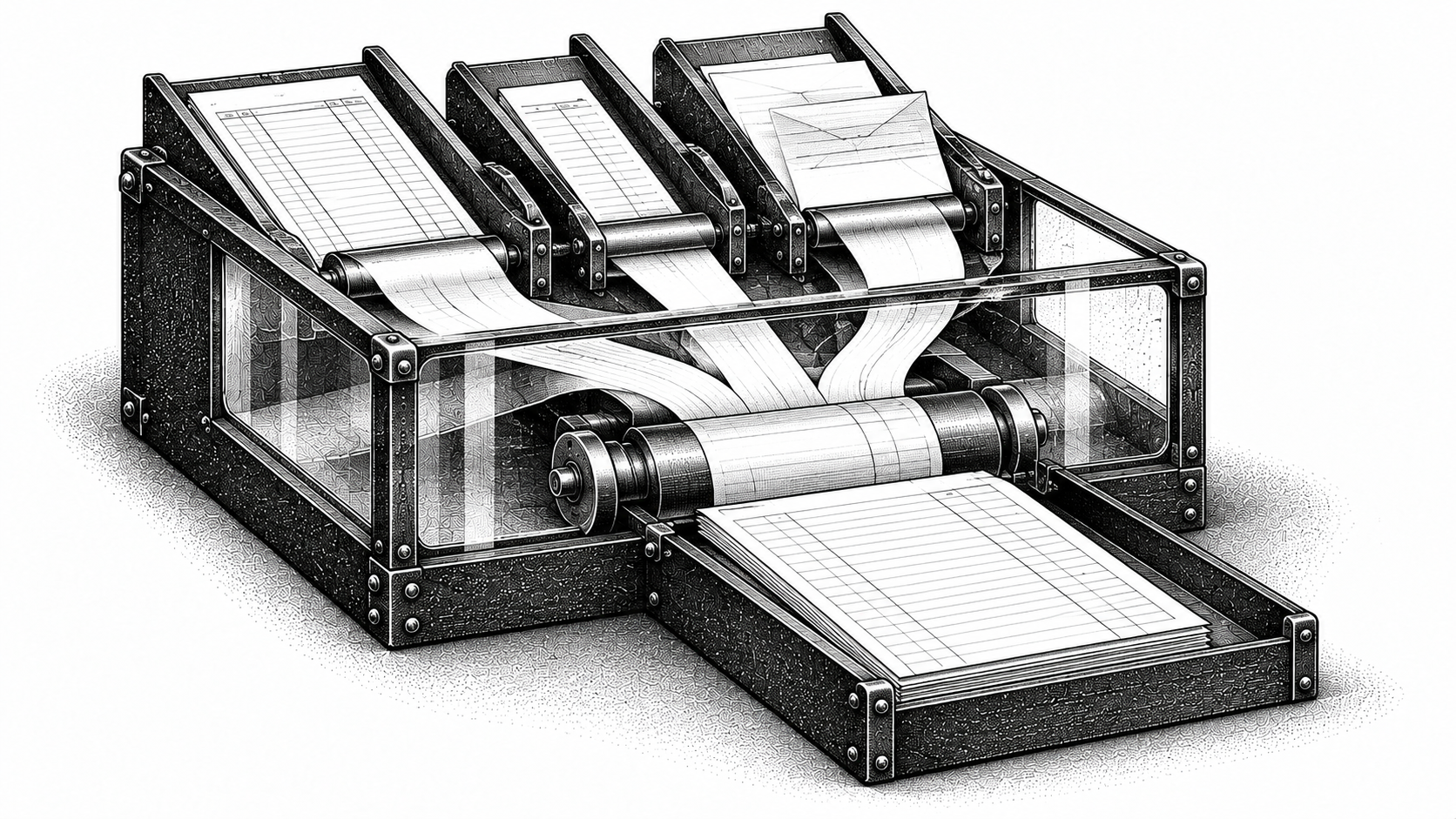
Real-time AR visibility is not a single dashboard or a feature toggle you flip on inside your ERP. It is the outcome of a synchronized stack: a reliable integration layer, fast cash application, portal automation, multithreaded collections, and role-based reporting, bound together by clear SLAs for latency and match rates. If you lead finance or AR at a growth-stage B2B company still working from periodic aging reports, this post covers what to combine and how to measure whether the stack is working.
What does "real-time AR visibility" really mean for finance teams?
The phrase gets used loosely. Three service-level objectives make it concrete.
Data currency comes first: how recent is the information you see? A practical target for most mid-market teams is invoice-status freshness within one hour for payment events, same-day visibility on portal submissions, and a reconciled cash position within 24 hours.
Completeness is next. Visibility is only useful if it covers payments, disputes, credit memos, portal rejections, and partial applications, not just the invoices your ERP already knows about.
Then there is trust. Every data point should carry an audit trail and be explainable. If your AR dashboard shows an invoice as "paid" and nobody can trace the remittance back to a bank transaction, that dashboard is a reporting layer rather than a source of truth.
For what a live AR report should contain and how it differs from a periodic aging export, see Monk's guide to real-time AR reporting.
Which tool categories make real-time visibility possible?
Achieving the SLOs above requires several tool categories working in concert:
No single vendor covers all of these well. The decision is whether to compose best-of-breed tools or choose a platform like Monk that consolidates multiple layers.
How should teams think about data latency and truth-of-record?
Data latency decides whether your "real-time" label is honest.
Pull-based syncs, where your system polls the ERP on a schedule, introduce latency measured in hours or even days. Webhooks or change data capture (CDC) can push the same events through in seconds or minutes.
Not every use case needs the same freshness. Cash forecasting benefits from a reconciled position updated every few hours. Dispute triage needs near-instant awareness that a buyer has raised an issue, because response time directly affects resolution speed.
In our experience, the ERP should remain the system of record for journal entries and revenue recognition. The real-time layer sits on top of it and does not replace the GL. For how such a layer connects to your existing systems in practice, see Monk's guide on integrating a modern AR solution.
What questions should you ask vendors for each tool category?
Ask these questions to find out what a tool will do in production, since the demo will not show you that.
Integration reliability: What is your guaranteed uptime SLA? How do you handle retry logic when the ERP API rate-limits or goes down?
Reconciliation coverage: Do you support partial payments, multi-invoice remittances, and cross-currency matching? What is the auto-match rate on day one versus day 90?
Portal automation: Which portals do you support natively? What is your submission success rate, and how do you handle rejections?
Collections agent: Can you thread POs, credit memos, disputes, and payments into a single conversation view? What is the response rate improvement over standard automated follow-ups?
Audit and compliance: Do you maintain a full audit log of every automated action? Where are human review gates?
Go-live timeline: How quickly can we connect our ERP and payment rails? What does the first week look like?
During evaluation, ask Monk for the same numbers: concrete uptime, match-rate, and go-live figures. Sample service-level expectations to benchmark against: 99.9% uptime for integration middleware, sub-60-minute sync latency for payment events, and a 95% cash application match rate for a mature implementation.
How do cash applications and payment reconciliation change visibility?
If incoming payments sit unmatched for days, every downstream report, your aging and your cash forecast, is stale.
The best implementations use multi-layer matching. An automated first pass handles straightforward matches using remittance data, invoice numbers, and amount logic, and a suggestion queue surfaces probable matches for quick human confirmation. A manual review tier catches the edge cases, like payments applied across multiple invoices or payments with missing remittance detail.
Monk reports a 95% cash application match rate in mature implementations. At that level, the vast majority of your receivables ledger updates itself, and your team focuses only on the exceptions. For a closer look at how this works in practice, see Introducing Cash Application 2.0.
Why does AP-portal automation matter for visibility, and how do you measure it?
If your customers require invoice submission through AP portals like Ariba, Coupa, or SAP Business Network, those portals become a black hole for visibility unless you automate them.
Without portal automation, invoices get stuck in submission queues or rejected for formatting errors. Your ERP shows the invoice as sent, but the buyer's system has never accepted it. That gap is invisible on a standard aging report.
The metrics to track: submission success rate (target above 95%), rejection rate and mean time to resubmission, and time-to-acceptance by the buyer's AP system. Monk's portal automation playbook covers the major networks and feeds acceptance status back into your AR view, so you know whether an invoice is truly in the buyer's queue or sitting in limbo.
How do collections agents and an inbound collections inbox complete the picture?
Outbound follow-up drives payment behavior. Invoice state changes on the inbound side: buyer replies, dispute notices, promise-to-pay signals.
A collections agent that threads outbound messages with inbound replies, PO references, credit memos, and payment confirmations gives your team a single, current view of every invoice's real status. This is what separates a collections tool from a visibility tool.
Data from our analysis in June 2026 shows a 24% higher response rate when using Monk's collections agent compared to standard automated follow-ups. And 90% of invoices are resolved without escalation when portal automation and collections work together, freeing your team to focus on the genuinely complex cases.
Promise-to-pay signals deserve special attention. When a buyer commits to a payment date in an email thread, that signal should flow into your forecast automatically. We explore this further in our post on why promise to pay is the most undervalued signal in AR.
What reporting and alerting patterns enable action, not just visibility?
The reporting layer has to surface the right KPIs by role, detect anomalies early, and route exceptions to the person who can act.
The KPIs most tied to visibility are open invoices by status (sent, accepted, disputed, promised, overdue) and time-to-apply cash, since both are direct readouts of how fresh the stack is. Role-based dashboards matter here: a CFO opens a cash forecast view, an AR specialist opens an exception queue. Anomaly detection, such as a sudden spike in portal rejections or a large customer going silent, should trigger alerts that reach whoever owns that account. For KPI selection and dashboard layout, Monk's guide to AR analytics and dashboards walks through the detail.
How do you stitch these tools into a single source of truth without replacing your ERP or GL?
This architecture layers on top of NetSuite or QuickBooks rather than replacing them.
The pattern has three components: an event-driven integration layer that captures payment, portal, and collections events in near-real time; a single reconciliation hub that matches and applies those events to your invoice ledger; and a deterministic action layer with human review gates so automated actions are explainable and reversible.
What does the rollout look like?
The sequencing detail is covered in Monk's 30-day AR platform implementation roadmap; what matters here is what to measure at each gate.
Pilot (weeks 1-2): connect your ERP and primary payment rail on a small customer cohort, and validate sync reliability and early match rates against your latency targets. As of March 1, 2026, Monk customers typically go live in 1-3 days for initial connector setup.
Expansion (weeks 3-6): add high-volume cohorts, enable portal automation, activate collections workflows, and re-check match rates and portal submission success as volume rises.
Organization-wide (weeks 7-12): roll out role-based dashboards, configure alerting rules, and begin measuring against your SLOs.
What outcomes should you expect in the first 90 days?
The first week is a diagnostic phase: validate connectivity, confirm payment events are syncing within your latency targets, and get a first read on cash application match rates.
Meaningful results start around day 30. ElevenLabs saw a 60% reduction in overdue AR within 30 days of implementing Monk. Unify cut overdue Stripe AR by more than 50%, driven largely by cash application speed. Outcomes depend on your receivables profile and execution.
By day 90, DSO should be trending down materially. Monk customers see a 40% average DSO reduction across the platform, and teams report saving roughly 26 hours per month on manual AR tasks.
Your checklist for selecting tools and implementing the stack
Use this five-point sanity check before you commit to a vendor or internal build:
Integration SLAs are defined. You have written latency targets for every data flow, not just a verbal promise of "real time."
Cash application match rate is benchmarked. Your target is 95% or higher, with a clear escalation path for unmatched payments.
Portal coverage is mapped. You know which buyer portals matter and have submission success and rejection metrics in place.
Collections and inbound threading are unified. Outbound follow-up and inbound replies live in one view, with PO and dispute context attached.
Reporting is role-based and actionable. Dashboards surface KPIs by role, anomalies trigger routed alerts, and every data point has an audit trail.
If you are building toward real-time visibility and want to see how Monk connects to your existing stack, book a demo. We can walk through your ERP, payment rails, and portal requirements and show you what the reporting looks like on your own data.
Frequently Asked Questions
What is the minimum tech set needed to claim "real-time" AR visibility?
At minimum, you need an ERP sync adapter with sub-hour latency, automated cash application with a 95%+ match rate, and a reporting layer that surfaces invoice status by role. Portal automation and collections threading are essential additions if you have buyer-portal or multi-channel communication complexity.
Can you get real-time visibility without replacing the ERP or GL?
Yes. The recommended architecture layers an event-driven integration and reconciliation hub on top of your existing ERP. The ERP remains the system of record for journal entries and revenue recognition, while the visibility layer enriches and accelerates what the ERP already holds.
How fast should payment reconciliations be for the view to be useful?
Payment reconciliations should complete within hours, not days. A 95% cash application match rate, which Monk achieves in production, means the vast majority of payments are applied automatically and your AR ledger stays current without manual intervention.
What metrics prove a visibility implementation is working?
Track DSO (target a 40% reduction over 90 days), time-to-apply cash (hours, not days), portal submission success rate (above 95%), percentage of invoices resolved without escalation (target 90%), and forecast accuracy (billed versus collected delta shrinking month over month).
How should I measure portal automation success?
Focus on three metrics: submission success rate, rejection rate with mean time to resubmission, and time-to-acceptance by the buyer's AP system. If rejections are high or resubmission is slow, your portal automation is creating a visibility gap, not closing one.
What are common pitfalls that look like real-time but are not?
Stale data sources polled on a daily schedule, siloed alerts that notify without context, and missing remittance detail that blocks cash application are the three most common. If your dashboard shows "current" data but payments are matched manually two days later, you have a reporting layer, not real-time visibility.
How long does it take to see cash velocity improvements after implementing the stack?
Most teams see meaningful improvements within 30 days. ElevenLabs reduced overdue AR by 60% in that window, and Profound grew cash on hand by 122% in month one; the first week is diagnostic, but results accelerate once cash application, portal automation, and collections are active together.




.avif)