The Dos and Don'ts of Invoice Capture Solutions

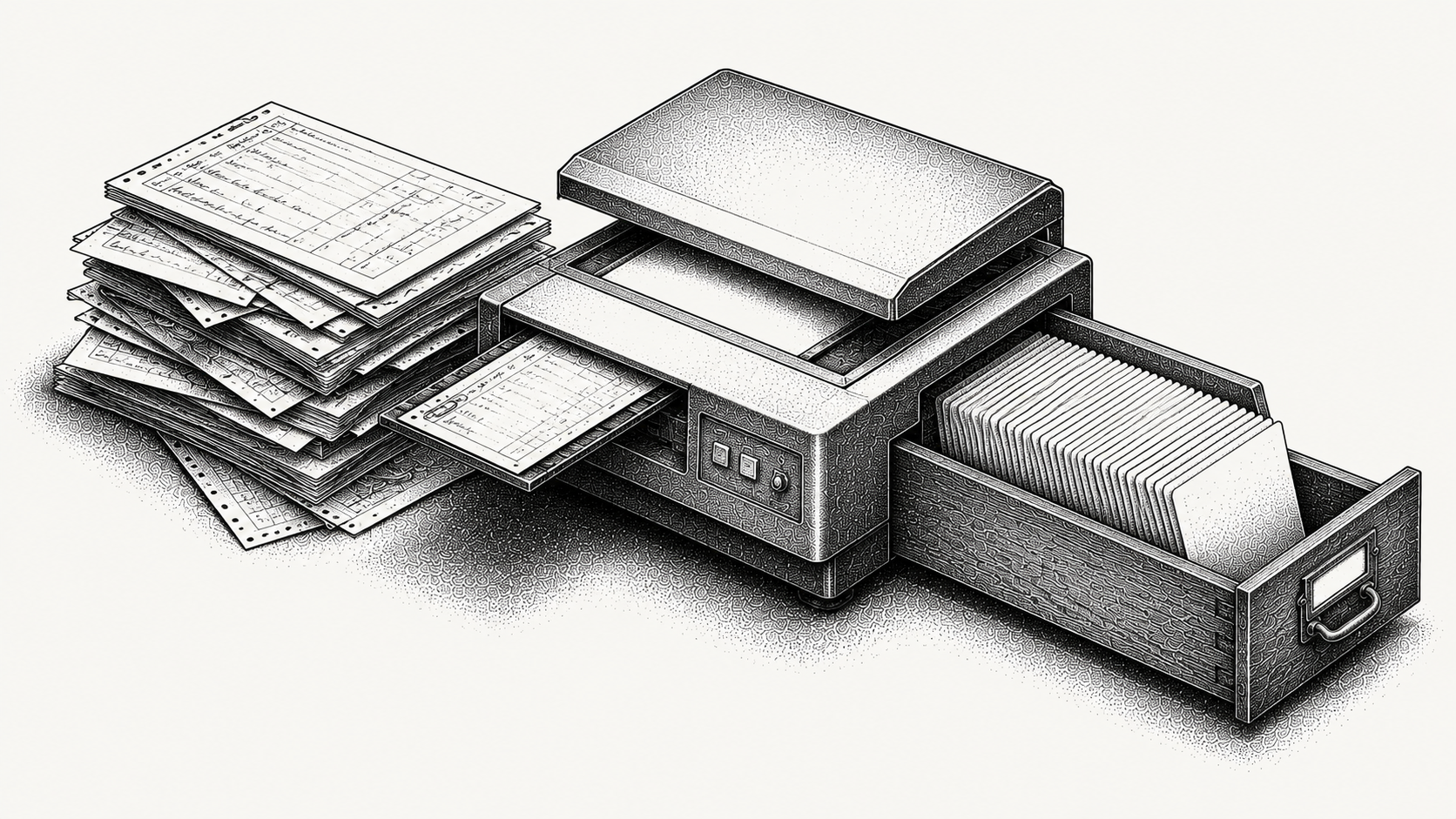
Invoice capture turns invoice documents into structured data, and the single thing that decides whether it pays off is what happens to that data next. The main thing to do is connect captured data to the workflow that consumes it, whether that is billing, collections or reconciliation. The main thing to avoid is treating capture as the finish line, because a folder of digitised invoices that no system acts on has not moved any cash.
Whether you are capturing incoming vendor invoices or reading your own documents to drive receivables, the principles are the same: high accuracy on the fields that matter, a clean path into the next system, and an exception route for everything the model is not sure about.
What is invoice capture?
Invoice capture is the process of reading an invoice document and extracting its key fields into structured data. In practice that means the invoice number, issue and due dates, the total and tax amounts, the currency, the purchase order reference, the remit to details and, where it matters, the individual line items.
Older systems worked from templates, meaning someone configured a layout for each sender and the system read fixed positions on the page. That works until a supplier changes their invoice design. Modern tools use optical character recognition combined with machine learning, so they identify fields by context rather than position and handle formats they have not seen before.
Done well, capture removes manual data entry and shortens the time between receiving a document and acting on it. Done poorly, it creates a new backlog of low confidence extractions that somebody has to correct, which is the same work in a different queue.
Is invoice capture an accounts payable or accounts receivable problem?
Usually it is discussed as an accounts payable problem, because the classic case is a buyer receiving hundreds of supplier invoices in varying formats. That framing dominates the category.
On the receivables side the input is different but the mechanics are the same. Instead of reading invoices you receive, you are reading the documents that should generate an invoice, meaning contracts, order forms, purchase orders, signed change orders and delivery documents. The extraction problem is arguably harder, because a contract is longer and less structured than an invoice, and the consequence of getting it wrong is billing a customer incorrectly rather than paying a supplier incorrectly.
The reason this matters when evaluating tools is that most capture vendors optimise for the payables case. If your problem is turning contract terms into accurate invoices, check that the tool has actually been built for documents of that shape.
What should you do when adopting invoice capture?
A few practices separate a rollout that sticks from one that stalls.
Connect capture to the downstream workflow. Extracted data should flow straight into billing, collections or your ERP rather than into a holding folder. This is the whole game, and it is the step most often deferred.
Start with your highest volume, most consistent document type. Accuracy will be strongest there and the time saved will be obvious, which matters for getting the second phase approved.
Set a confidence threshold and route low confidence extractions to a person. A field the model is unsure about should be reviewed, not silently accepted. Deciding the threshold is a business call, not a technical one.
Measure straight through processing rate from day one. The share of documents needing no human touch is the number that tells you whether anything improved.
Keep an audit trail of what was captured and what was corrected. Both for defensibility and because the pattern of corrections tells you which document types to fix next.
What should you avoid with invoice capture?
The common mistakes are easy to prevent once named.
Do not treat capture as the finish line. Data that no system acts on has saved nobody any time. Digitised is not the same as processed.
Do not skip the exception path. The documents that fail to capture cleanly are precisely the ones that cause downstream errors, and they need somewhere to go.
Do not chase full automation on every format. Some low volume, messy documents are cheaper to handle by hand. Work out the crossover point rather than pursuing a round number.
Do not accept a stated accuracy figure without asking what it measures. Character level accuracy and field level accuracy are very different claims, and a tool can be 99% accurate per character while getting a meaningful share of invoice numbers wrong. Ask for field level accuracy on the fields you actually depend on.
Do not set it and forget it. Document formats change and accuracy drifts. A quarterly review of the correction log catches it early.
What kinds of capture tool are there?
Four categories show up in this search and they solve different halves of the problem.
| Category | What it reads | Acts on the data | Best when |
|---|---|---|---|
| AR platform that reads and acts | Contracts, order forms and invoices | Yes, generates invoices and drives collections | The goal is billing accurately and getting paid |
| Standalone document AI and OCR | Any document type, highly configurable | No, outputs structured data | You have engineering capacity and a custom pipeline |
| AP automation suite with capture | Supplier invoices | Yes, within payables | The problem is processing invoices you receive |
| ERP native capture module | Supplier invoices, limited formats | Within the ERP | Volume is modest and formats are consistent |
How do you measure invoice capture success?
The clearest measure is straight through processing rate, meaning the percentage of documents that go from capture to action with no human correction. A rising rate means the tool is genuinely reducing work rather than relocating it.
Pair it with time to action: how long it takes a captured document to become a billed invoice, a follow up or a reconciled payment. Capture that is accurate but disconnected can still be slow, so both numbers matter and only one of them is usually reported.
A third worth tracking is correction concentration. If 80% of your corrections come from three senders or one document type, that is a specific fixable problem rather than a general accuracy issue.
How does Monk fit into invoice capture?
Monk reads invoice and contract data and acts on it inside accounts receivable, so capture is never the finish line. The data it extracts generates invoices, drives collections, and feeds cash application and forecasting, which means a captured document becomes movement toward getting paid rather than a cleaner record of the same problem.
Downstream, Intelligent Collections is powered by Julia, its AI agent, which ingests the context of the conversation rather than advancing a fixed dunning sequence, and 90% of collections are resolved with zero human intervention. Cash application matches at an 80% automatic rate, rising to 95% with suggested matching rules. Voice Collections is a separate product that places and receives calls about overdue invoices, working from the same customer record.
Monk connects to QuickBooks, NetSuite, Salesforce, HubSpot and Stripe, goes live in less than one week, and customers see a 40% average reduction in DSO while saving 26 hours a month on receivables work. For the wider workflow, see the AR automation platform, or our guides to contract extraction solutions and invoice scanning tools.
Frequently Asked Questions
What is invoice capture?
It is reading an invoice document and extracting its key fields into structured data, usually with optical character recognition combined with machine learning. It removes manual data entry from invoice processing and shortens the time between receiving a document and acting on it.
What is the most important thing to get right?
Connecting captured data to the workflow that uses it. Capture only pays off when the data flows into billing, collections or your ERP rather than sitting in a folder waiting for someone to move it.
What is straight through processing rate?
It is the share of documents that go from capture to action with no human correction. It is the clearest single measure of whether a capture tool is reducing work rather than relocating it into a review queue.
Is capture accuracy measured per character or per field?
Both are quoted, and the difference matters a great deal. A tool can be 99% accurate at character level while still getting a meaningful share of invoice numbers wrong, so ask for field level accuracy on the specific fields you depend on.
Should you aim to automate every invoice?
No. High volume, consistent formats are worth automating, while some low volume, messy documents are cheaper to handle by hand. Chasing full automation on everything spends effort where the return is smallest.
Is invoice capture different for accounts receivable?
The mechanics are the same but the input differs. On the receivables side you are reading contracts, order forms and purchase orders to generate accurate invoices, which is a harder extraction problem than reading a structured supplier invoice.
How does Monk handle invoice capture?
Monk reads invoice and contract data and acts on it, generating invoices and driving collections and cash application. Capture feeds the workflow that turns documents into collected cash rather than producing a tidier archive.




.avif)