Introducing Playbook Previews: See the Next Draft Before It Sends

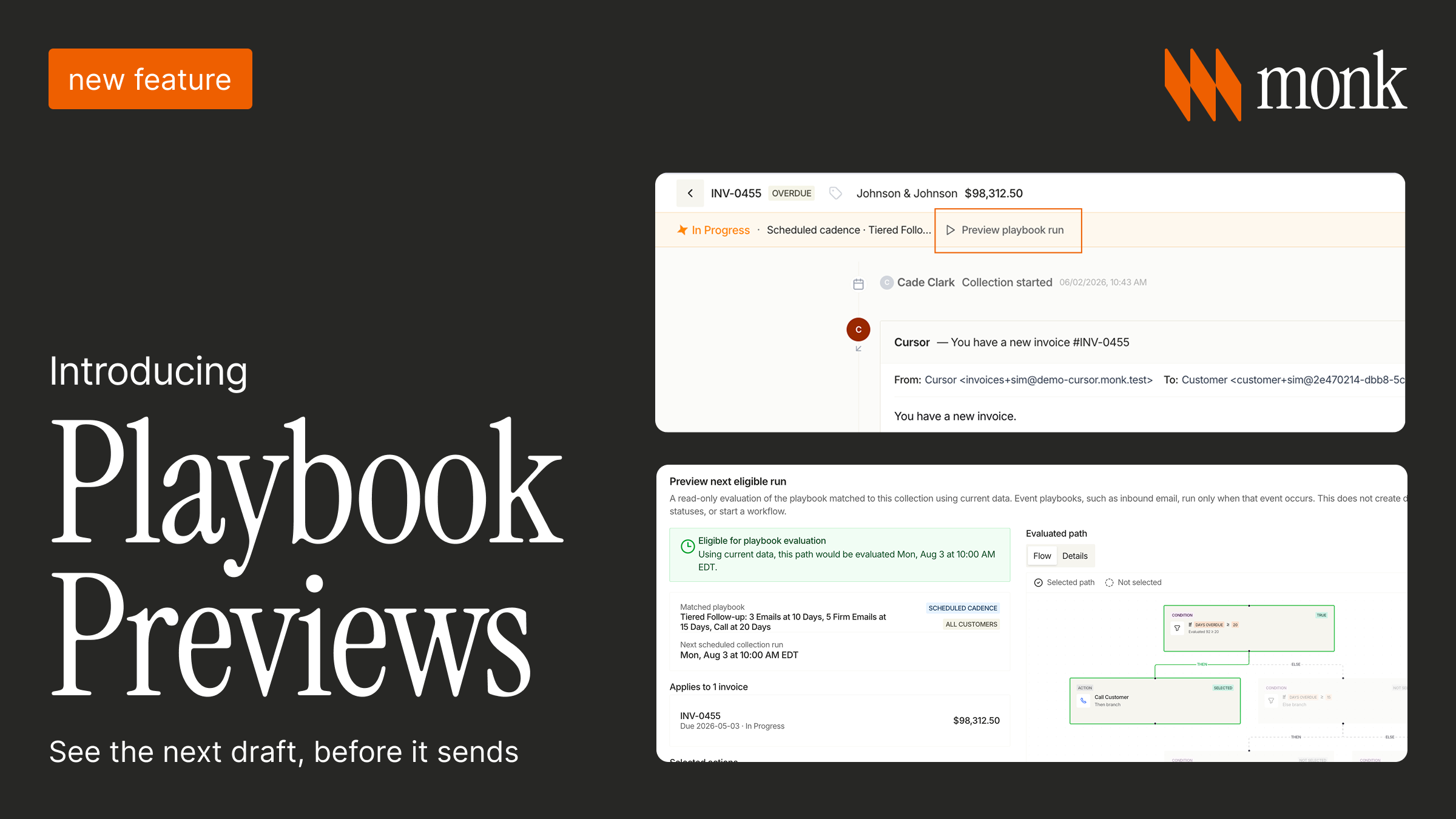
Imagine a playbook triggers an agent to send a follow-up to an account that paid earlier that morning. The payment hadn't posted yet, the invoice still read as open, and the rule read the invoice. The finance lead finds out when the customer replies asking why they're being chased.
Most collections automation fails this way. The response from customers is almost always the same: trust is broken, and the playbook is turned off.
Playbooks now show you the next run before it fires
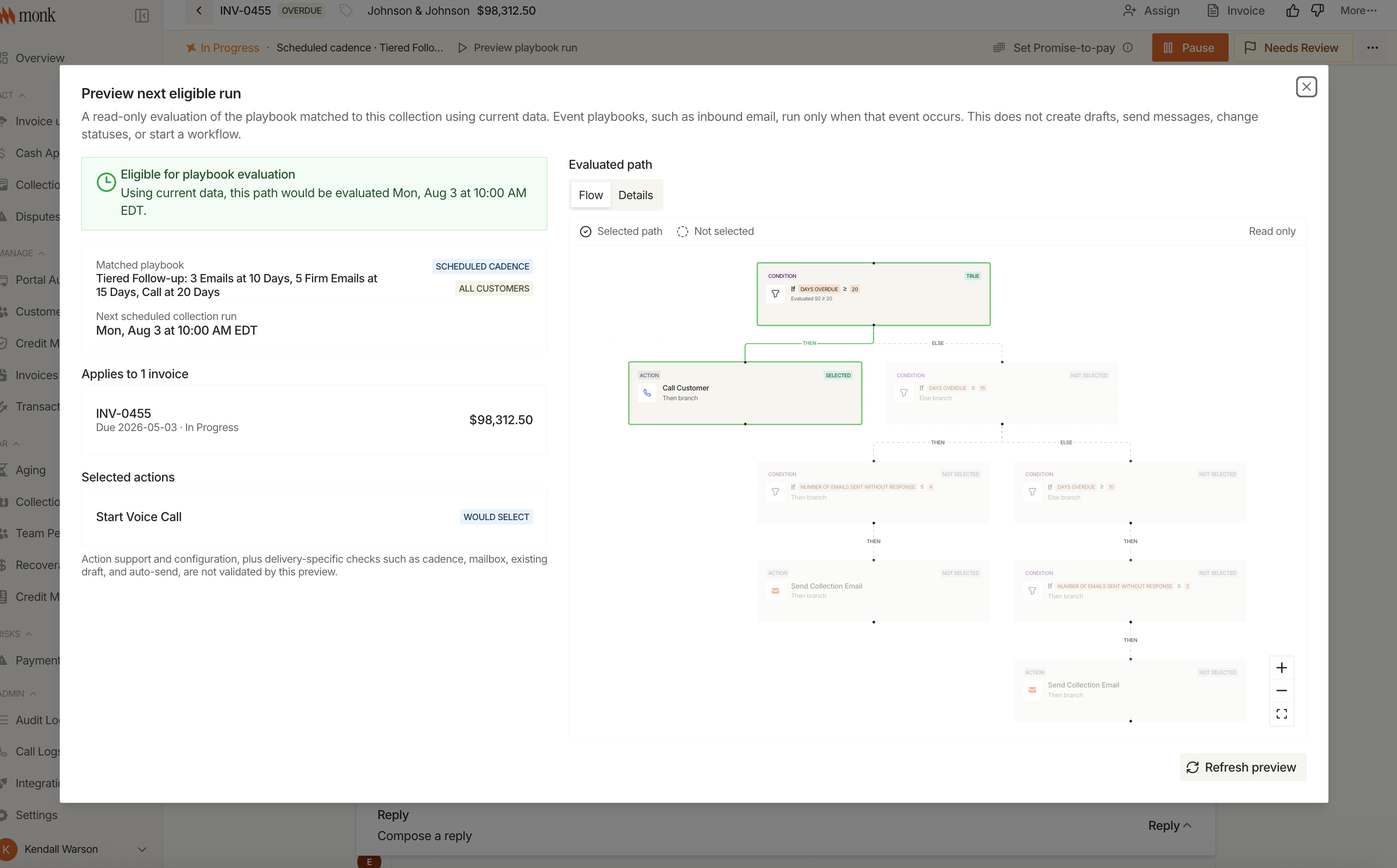
Playbooks are how Julia, Monk's collections agent, decides when to act and how. Click Preview Playbook Run and you see exactly what her next draft will do:
- the account and invoice each action applies to
- the action itself, and when it's scheduled
- whether it would actually fire against the data as it stands right now, or whether a condition is holding it back
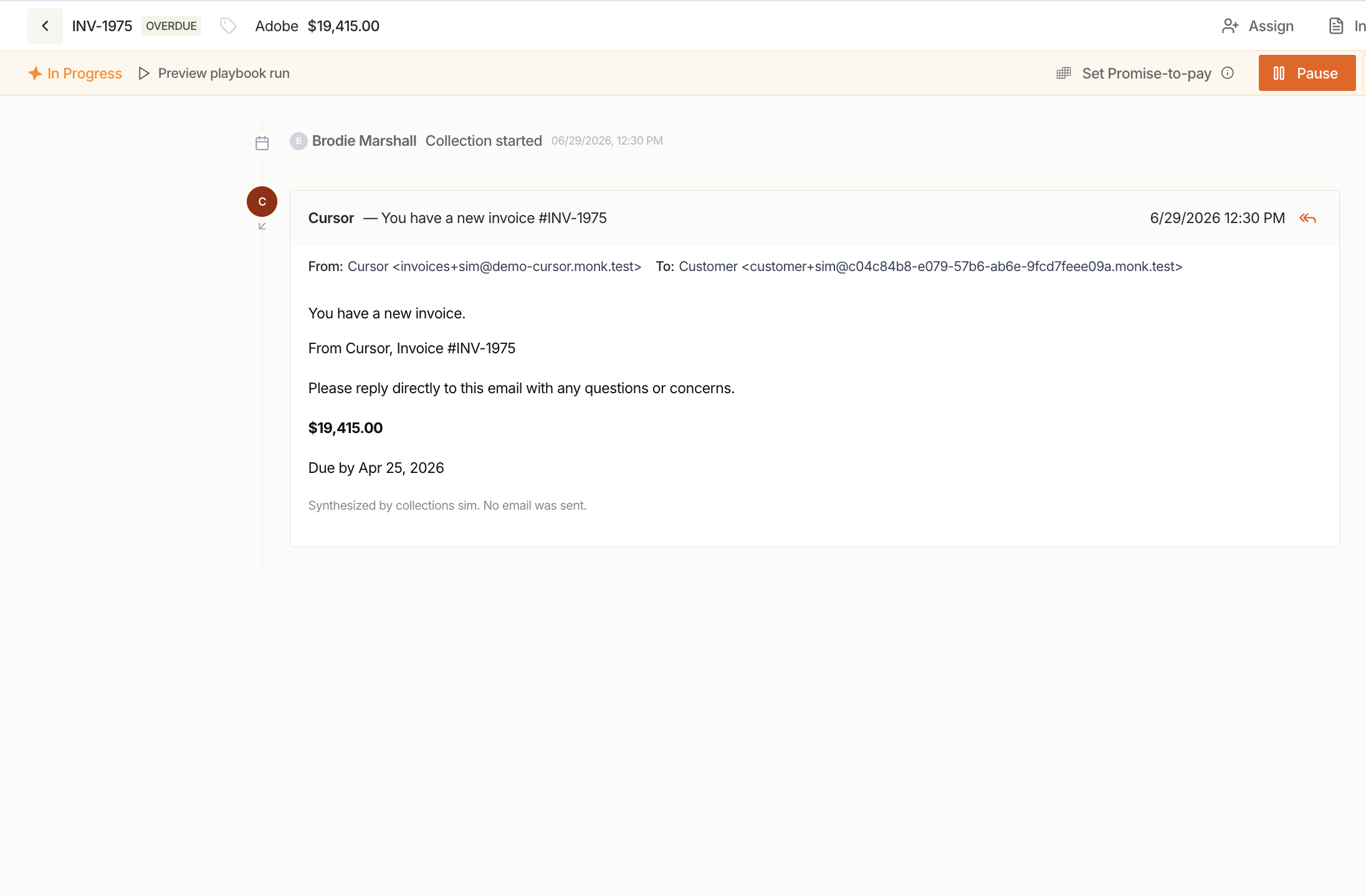
The preview is read-only. It creates no drafts, sends nothing, and moves no statuses.
This matters more as playbooks get complex
Once a playbook has conditional branches, tiered escalation, and targeting by product, it's not easy to understand what will happen in each use case. The only way to know what it does on a specific account is to run it, and running it means a real customer gets a real email.
Previews help prevent any descrepancies.
The test
Take any collections automation you have running today and ask one question: can someone on your team say what it will do to a specific account tomorrow, without opening a log?
If not, the automation isn't running on visibility, it's running on a streak, which will end up in front of a customer.
Why this matters more as playbooks get more sophisticated
A simple three-email cadence is easy to reason about by reading the rule. A playbook with conditional branches, tiered escalation, and product-specific targeting is not. The more logic a playbook has, the harder it is to know what it will do on a specific account without running it, and running it for real isn't an option.
A preview lets a team check the logic against live data without triggering the action, so you can read the rule and know the outcome.
How to see if you have visibility with your collections
Worth checking against any collections automation currently running:
- Can someone on your team see exactly what a playbook will do on a specific account before it fires?
- If a customer called confused about an email, could you explain why they got it without digging through logs?
- Has a playbook ever done something nobody expected, and how long did it take to notice?
If the answer to the first question is no, the automation is running on trust rather than visibility, and that trust runs out the first time something goes wrong in front of a customer.
Frequently Asked Questions
What does "set and forget" mean in collections automation?
Automation configured once and left running without ongoing visibility into what it's about to do. It works fine until a rule interacts with an edge case nobody anticipated, and by then the mistake has already reached a customer.
Why do collections playbooks send unexpected messages?
Usually not from a bug, but from a rule combination nobody tested against a specific account's data. More conditional logic means more ways for an edge case to slip through unnoticed.
What is a playbook preview?
A read-only look at what a playbook's next run would do on a specific account, without creating a draft, sending a message, or changing a status. It shows the outcome before it happens instead of after.
How does a preview differ from just reading the playbook's rules?
Reading the rules tells you the logic. A preview tells you what that logic actually produces against live, current account data, which is often different from what the rules look like on paper, especially once conditions and exceptions stack up.
Does more automation mean less visibility?
It can, if visibility isn't built in deliberately. More sophisticated playbooks are harder to reason about by eye, which makes checking the actual outcome before it fires more important, not less.
Does Monk offer playbook previews?
Yes. Monk's playbooks can show a read-only preview of their next run before it fires, so you always have full visibility into what's about to happen.
Related guides: The New Home for Finance Teams and Put AR on Autopilot: Run a Playbook the Moment an Invoice Is Paid.




.avif)