Integrating a Modern AR Solution into Your Finance Stack

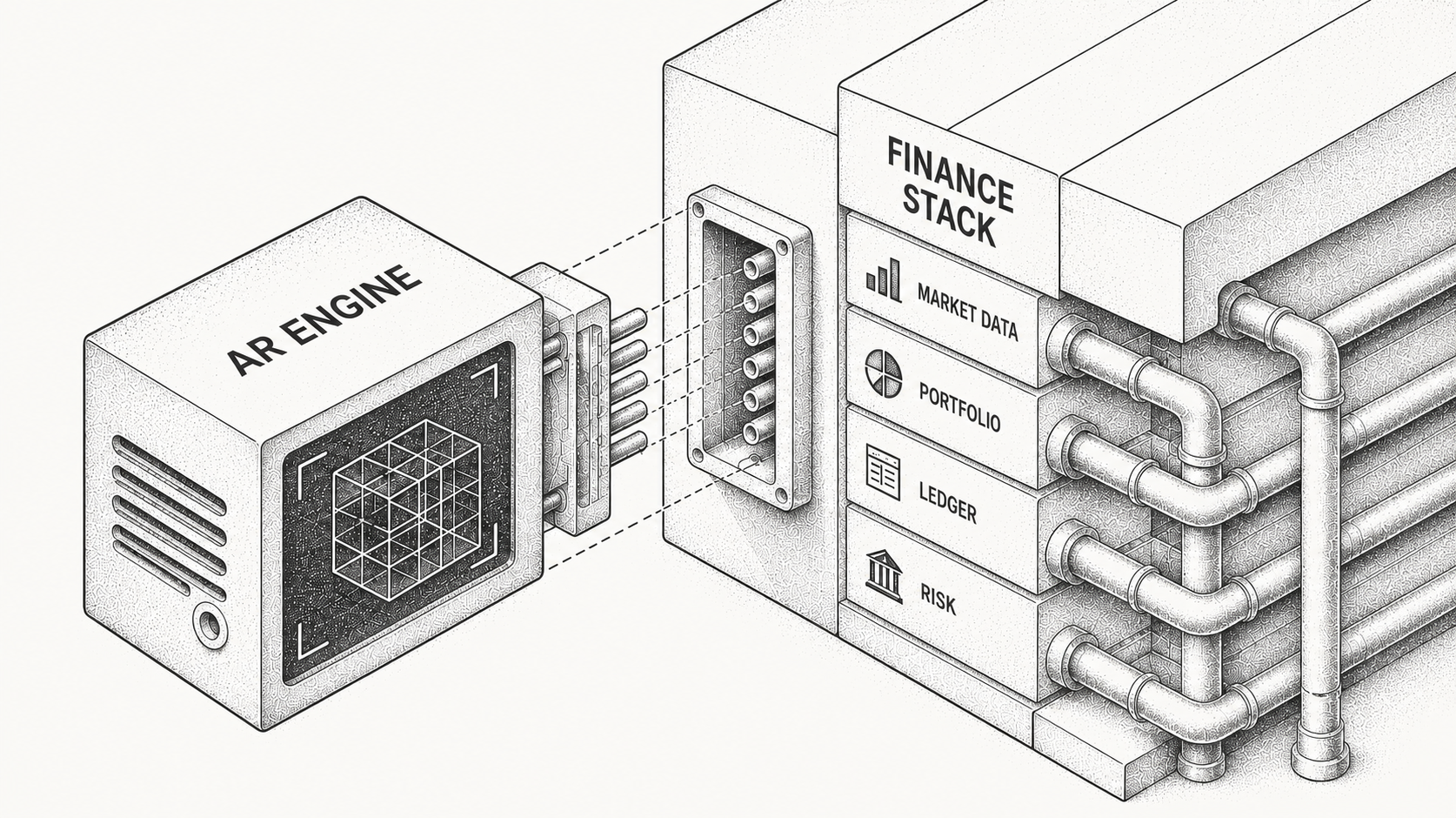
Integrating a modern AR solution means making invoice, customer communication, and payment data flow cleanly across your finance stack without ripping out the tools you already use. It does not mean replacing your accounting system; it means giving your ledger, payments, email, and CRM a shared, real-time view of who owes you, whether they will pay, and what to do next. Done well, it converts a scattered AR process into a coordinated system, and with an AI-native platform like Monk the connection takes days rather than months.
For foundational context, our explainer on what accounts receivable automation is pairs well with this implementation-focused walkthrough.
What Integration Actually Means for AR
To integrate AR is not to swap out your ledger; it is to make invoice state, customer replies, and payment events move cleanly across the systems where they already live. The point is interoperability of the workflow, not data sync for its own sake.
Done right, integration gives you live visibility into invoice state across systems, centralized logging of customer replies including promises to pay and disputes, context-aware follow-ups, real-time reconciliation from your payment rails to your ledger, and forecasting tied to actual payment signals rather than due dates. In short, it gives finance command over cash instead of a lagging report.
What Fails When AR Is Not Integrated?
A non-integrated AR process leaks at every handoff because no system remembers what happened at the previous step. The table below maps the common workflow, how it runs today without integration, and where it breaks.
| Workflow | How it works without integration | The failure mode |
|---|---|---|
| Invoicing | Sent from QuickBooks, NetSuite, or Stripe | No visibility into delivery, viewing, or replies |
| Collections | Manual Gmail or Outlook outreach | Disorganized and dependent on one person |
| Follow-ups | Scheduled or ad hoc | No prioritization, sent too early or too late |
| Disputes | Buried in email threads | Escalated late, no owner, payment stalls |
| Payments | Received in Stripe or the bank account | Not reconciled until week or month end |
| Forecasting | Based on gut feel or aging buckets | Inaccurate, a real risk for the CFO |
The result is a leaky funnel from revenue to cash with no system memory, which is exactly the pattern we argue against in our piece on why accounts receivable does not belong in spreadsheets.
What Does Integration Look Like With Monk?
Monk builds integration around workflow interoperability rather than sync for its own sake, so each connected system contributes something the others lack. Here is what happens across the four main connection points.
On the ERP and accounting side, Monk pulls invoices from systems like QuickBooks and NetSuite, enriches each with delivery, reply, and promise-to-pay state, then posts payment and closure status back so your ledger stays clean while gaining real-time insight into payment behavior. On payments, Monk ingests events from Stripe and bank rails, matches them to open invoices including partials and consolidated payments at an 80 percent automatic match rate (up to 95 percent with suggested rules), and handles refunds and multi-invoice allocations so cash application stops being a manual chore.
On email, Monk reads replies to invoice messages, parses them for intent such as promises to pay and disputes, and logs structured signals to the invoice timeline. On the CRM side, it links contacts and accounts to billing entities and flags sales when key invoices go unpaid, so finance and go-to-market teams share one view. The full set of supported systems is on the Monk integrations page.
Integrations at a Glance
The same idea applies across every connection: each system keeps doing its job while Monk gives the whole stack a shared memory. The table summarizes what Monk syncs and why it matters.
| System | What Monk syncs | Why it matters |
|---|---|---|
| ERP / accounting (QuickBooks, NetSuite) | Pulls invoices via API, enriches them with delivery, reply, and promise-to-pay state, and posts payment and closure status back. | Your source-of-truth ledger stays clean while gaining real-time insight into payment behavior. |
| Payments (Stripe, bank rails) | Ingests real-time payment events, matches them to open invoices including partials and mismatches, and handles refunds and multi-invoice allocations. | Removes manual cash application so payments are logged and closed the same day. |
| CRM (Salesforce, HubSpot) | Links contacts and accounts to billing entities and flags sales when key invoices go unpaid or disputes arise. | Finance and go-to-market teams operate from one shared view, making churn and cash-flow risk visible together. |
| Email (Gmail, Outlook) | Reads replies to invoice emails, parses intent such as promises to pay and disputes, and logs structured signals to the invoice timeline. | Customer commitments are captured and tracked instead of lost in inboxes. |
What You Gain After Integration
Once the data flows, the payoff shows up quickly because the system finally acts on signals instead of schedules. Monk customers reduce DSO by 40% on average, save 26 hours per month, and resolve 90 percent of collections with zero human intervention, and Monk's intelligent collections is 24 percent more effective than standard dunning.
The less measurable gains matter just as much. CFOs trust the forecast because it reflects real payment behavior, and controllers reclaim time spent on manual cash application. For the broader strategy of squeezing delay out of the cycle, see our guide on how to reduce DSO with six proven strategies.
Why Do Teams Delay Integration?
The objections are familiar and mostly mistaken. "We are not big enough yet" ignores that AR risk is already material once you invoice meaningful monthly volume, and "we will do it next quarter" just trades another quarter of missed cash for the same eventual project. "We have no engineering resources" overlooks that Monk connects without a build, and "our accounting firm handles it" confuses closing the books with actually chasing and collecting cash.
Integration is leverage, not overhead, and the case for treating receivables as a real system is the same one we make in our take on why accounts receivable is the new frontline of cash management.
How Do You Integrate in Practice?
Integration is fast because Monk layers on top of what you already run rather than replacing it. The sequence is short and requires no custom development.
Connect your ledger such as QuickBooks or NetSuite, connect your payment stack including Stripe and your bank feed, enable read access for email so Monk can parse replies, import customer metadata from your CRM or a simple upload, and go live with collections sequences using default templates and escalation logic. Monk's typical go-live is less than one week, after which it begins ingesting data and acting on it across your stack.
Finance Infrastructure That Acts on Cash
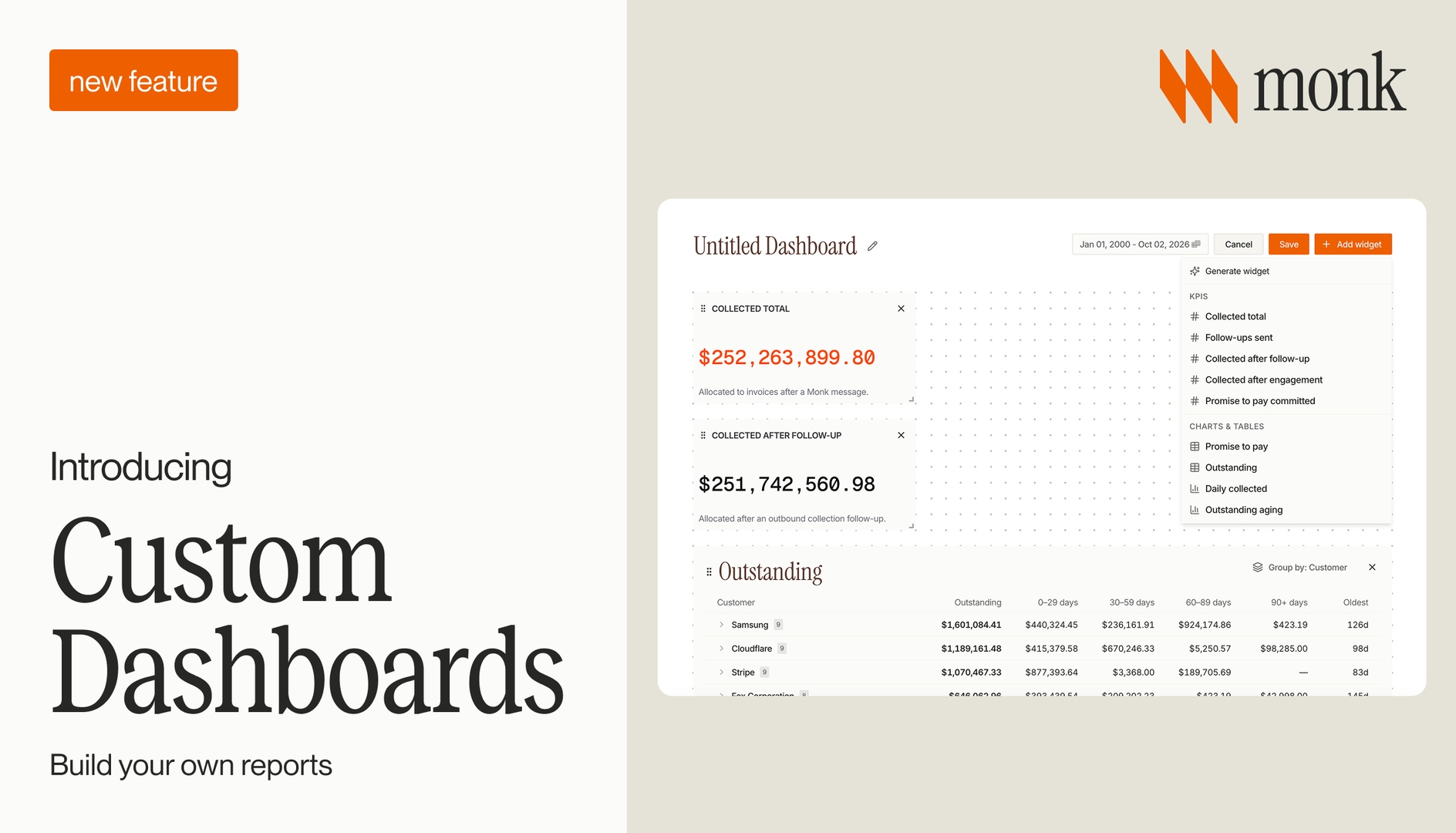
You do not need another dashboard; you need a system that understands who owes you money, detects whether they are going to pay, escalates when they are not, closes the loop when they do, and tells you what cash is arriving and when. That is what integration delivers: not just sync and reporting, but control.
Monk turns a scattered AR process into a coordinated, intelligent system, with integrations that take days rather than weeks and no percentage taken from your revenue. To see how the connected workflow fits together, explore the Monk platform and how its AR agent Julia runs collections from one place.
Frequently asked questions
What does it actually mean to integrate AR?
Integrating AR does not mean replacing your accounting system. It means making invoice, customer communication, and payment data flow cleanly across your stack so you get live visibility, centralized reply logging, context-aware follow-ups, and real-time reconciliation.
What fails when AR is not integrated?
Invoicing has no visibility into delivery or replies, collections become manual and person-dependent, follow-ups are mistimed, disputes get buried in email, payments are not reconciled until week or month end, and forecasting runs on gut feel. Each gap leaks cash.
Which systems does Monk integrate with?
Monk integrates with QuickBooks and NetSuite for invoices, with Stripe and bank rails for payments, with Gmail and Outlook for reply parsing, and with CRMs like Salesforce and HubSpot to link accounts and flag risk. The full list is on the Monk integrations page.
How does Monk handle payment reconciliation after integration?
Monk ingests real-time payment events from Stripe and bank accounts, matches them to open invoices at an 80 percent automatic match rate (up to 95 percent with suggested rules) even when amounts are partial or mismatched, marks invoices paid, handles refunds and multi-invoice allocations, and syncs status upstream.
Is integrating Monk disruptive or engineering-heavy?
No. Monk connects to your existing systems without a custom build. You connect your ledger, payment stack, and email, import customer metadata, and go live with collections sequences, with a typical go-live of less than one week.
What results can teams expect after integrating?
Monk customers reduce DSO by 40% on average, save 26 hours per month, and resolve 90 percent of collections with zero human intervention. Monk currently manages $2B+ in receivables and is SOC 2 Type II compliant.
Related guides: Accounts Receivable Doesn't Belong in Spreadsheets, ERP and Billing Integration Software for AR, Accounts Receivable Is the New Frontline of Cash Management and AR Automation for Sage Intacct.



.avif)