Monk Deepens Native Integration with HubSpot
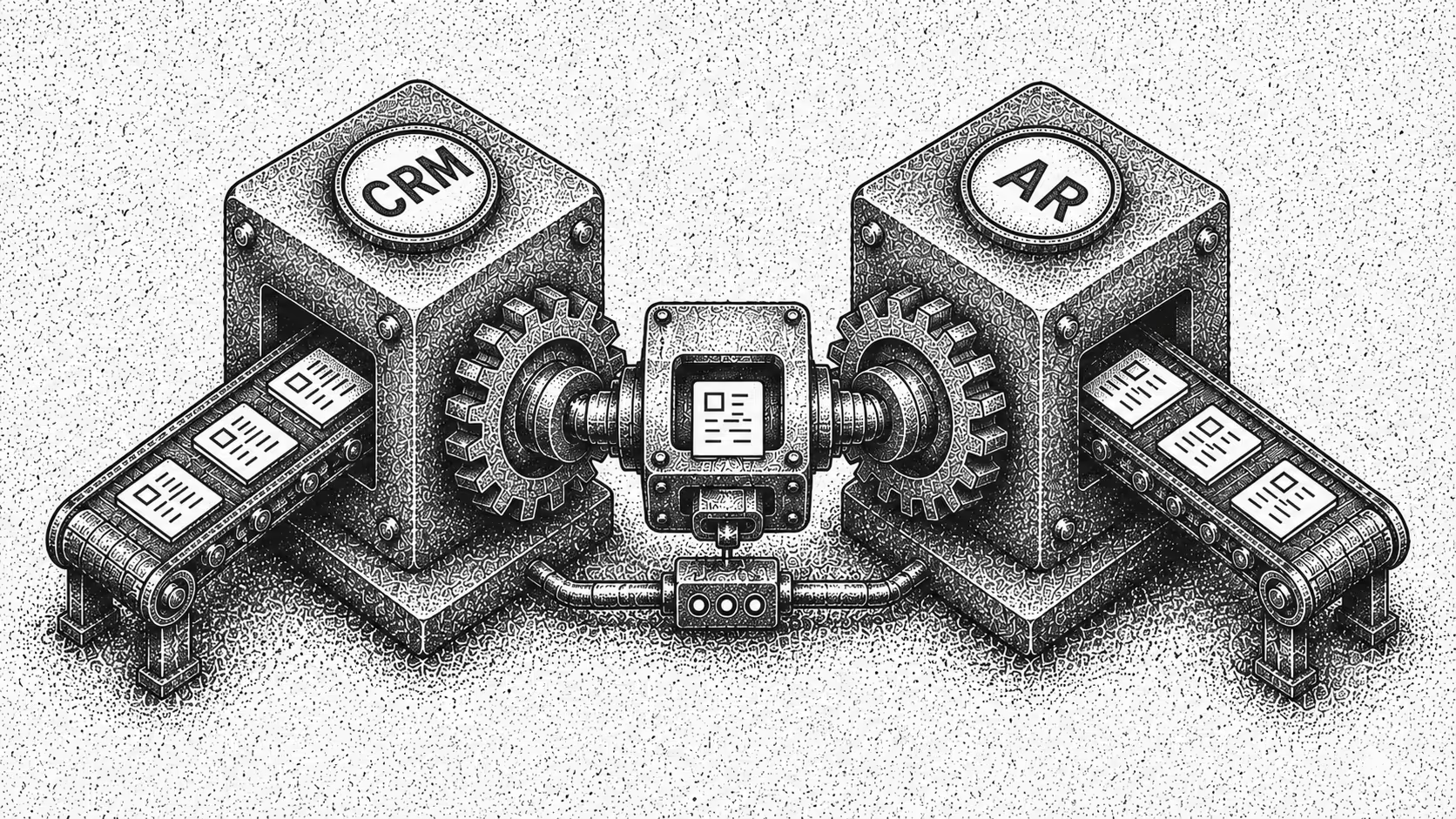
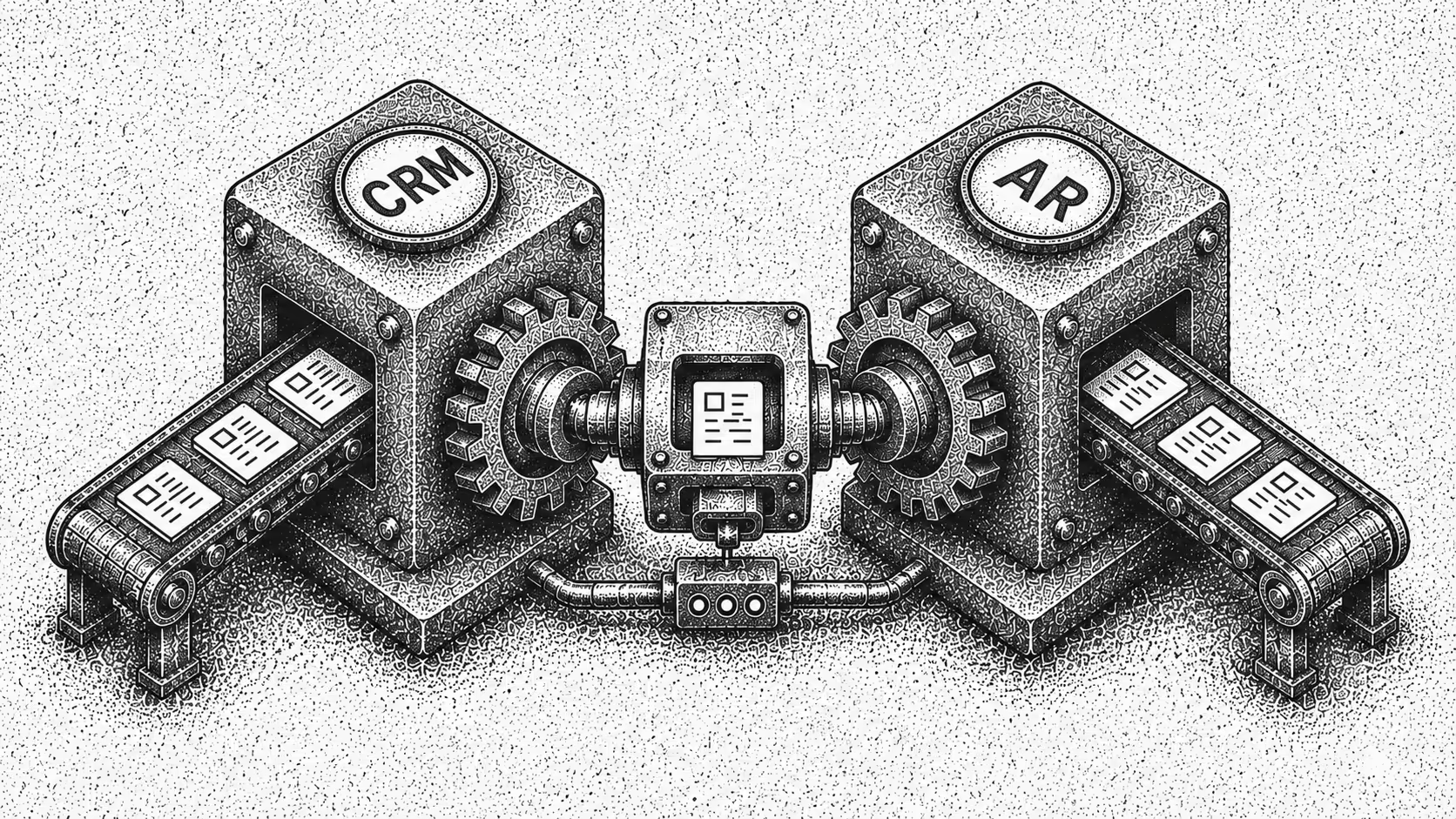
We heard this over and over from customers: "We close deals in HubSpot, then someone has to manually recreate everything in our ERP". Or worse - it's tracked in a spreadsheet.
We are investing in HubSpot because that's where customers already work.
What changed
Before, closing a deal in HubSpot meant manual work in Monk: creating the customer, setting up the contract, entering line items, discounts, and taxes, marking invoices paid, updating owners when they changed.
Now it's automatic.
Mark an invoice "Open" in HubSpot and it appears in Monk. Deal owners become contract owners. Billing frequency, payment terms, and contract dates all transfer.
What syncs from HubSpot to Monk
| HubSpot data | Syncs to Monk as |
|---|---|
| Deals | Customers and contracts created automatically when a deal closes |
| Contacts and owners | Deal owners become contract owners in Monk |
| Billing terms | Billing frequency, payment terms, and contract dates transfer over |
| Invoice status | An invoice marked "Open" in HubSpot appears in Monk |
How we built it
4 main things (and many hours) make this work:
Real-time webhooks: HubSpot tells Monk the moment something changes. Monk reacts immediately instead of checking for updates
Smart field mapping: Every company uses HubSpot differently. You can map your specific fields and values to Monk, so the integration adapts to your setup
Selective syncing: You control which pipeline stages trigger syncs, which invoices to exclude, and when to turn syncing on or off
Better UI: More configs on the client allowing our customers to customize their HubSpot integration
What was challenging about the build
Our first version took "time" to sync large accounts. We rebuilt it to handle data in parallel and added caching. Historical imports are now 30x faster
HubSpot stores dates in ways that don't always match what you see in their UI. We had to map these carefully so dates in Monk match what you see in HubSpot.
Every HubSpot account has different custom fields for billing frequency, contract dates, and payment terms. We needed a system that could adapt without code changes for each customer.
When webhooks fail or arrive out of order, we can't create duplicate invoices or miss updates. We built retry logic and checks to handle these cases.
What's next
This is the foundation. Here's what we're adding:
Bidirectional sync: Right now data only flows from HubSpot to Monk. We're adding the ability to push payment confirmations and billing status back to HubSpot
Multi-currency support: We start with USD, but many customers need other currencies
Live invoice updates: If you edit an invoice in HubSpot after the initial sync, those changes don't flow to Monk yet. We are adding support for ongoing updates.
Quote integration. We're exploring syncing HubSpot quotes for teams that use quotes as the source of truth for pricing
You can enable this in Settings → Integrations → HubSpot.
If there's something you need that we haven't built, be blunt with feedback and tell us.
Frequently Asked Questions
What does Monk's HubSpot integration sync automatically?
When you mark an invoice Open in HubSpot, it appears in Monk automatically. Deal owners become contract owners, and billing frequency, payment terms, and contract dates all transfer. This removes the manual work of recreating customers, contracts, line items, discounts, and taxes.
How does the HubSpot integration stay up to date?
It uses real-time webhooks, so HubSpot tells Monk the moment something changes and Monk reacts immediately rather than polling for updates. Monk also includes retry logic and checks to handle webhooks that fail or arrive out of order without creating duplicate invoices or missing updates.
Can I customize how my HubSpot fields map to Monk?
Yes. Because every company uses HubSpot differently, you can map your specific fields and values to Monk so the integration adapts to your setup. The system handles custom fields for billing frequency, contract dates, and payment terms without code changes for each customer.
Can I control which deals and invoices sync?
Yes. Selective syncing lets you choose which pipeline stages trigger syncs, which invoices to exclude, and when to turn syncing on or off. You configure all of this from the client UI.
What is on the roadmap for the HubSpot integration?
Planned additions include bidirectional sync to push payment confirmations and billing status back to HubSpot, multi-currency support beyond USD, live invoice updates after the initial sync, and quote integration for teams that use HubSpot quotes as the source of truth for pricing. You can enable the integration in Settings, Integrations, HubSpot.
More on this: HubSpot AR Automation: Sync Deals to Collections, Monk Platform Announces Real-Time Salesforce Integration and Best Quote-to-Cash Software in 2026.

.png)



.avif)