Introducing Playbooks: A Workflow System for Intelligent Collections

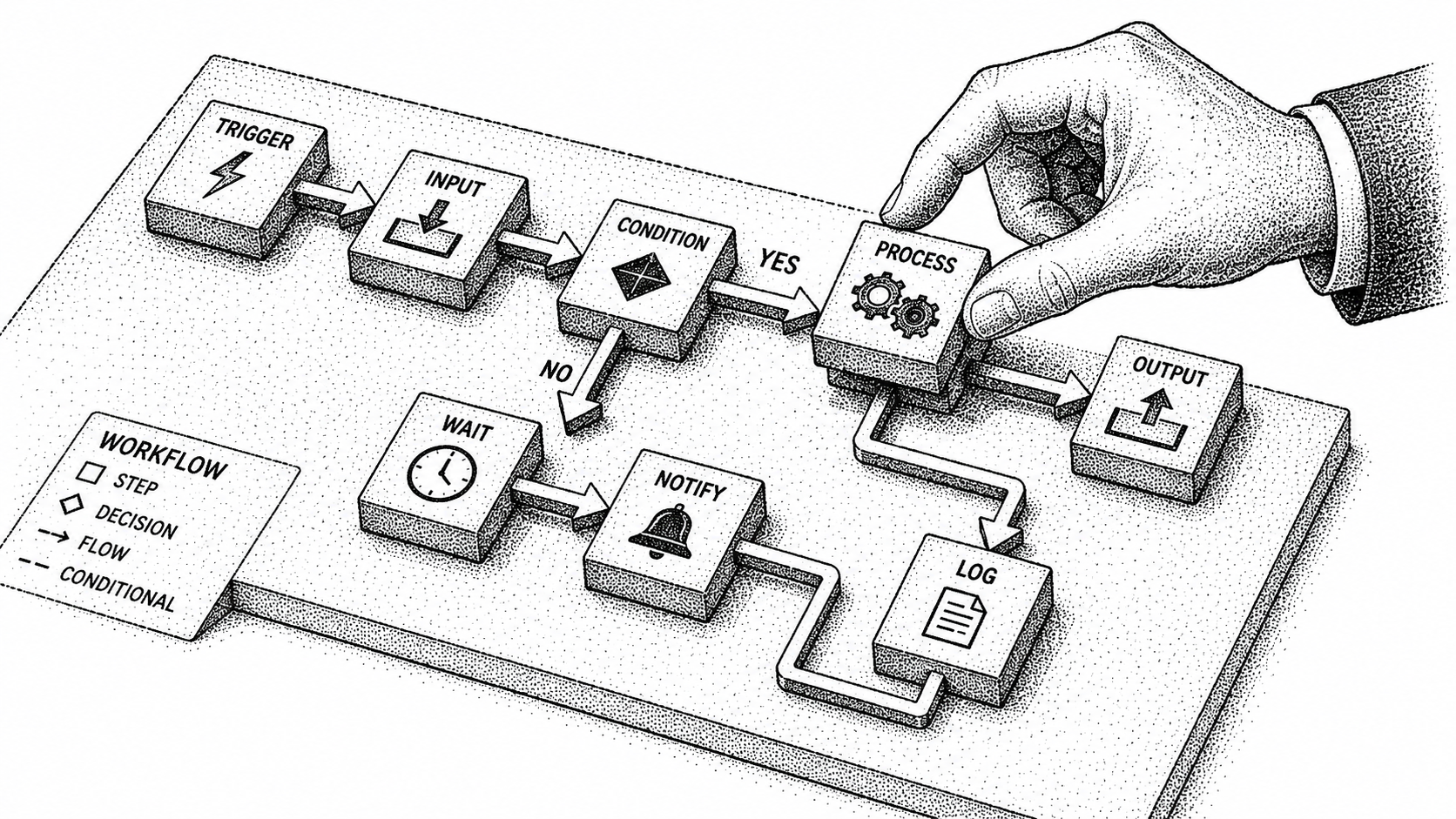
Today we are giving every business enterprise-grade accounts receivables superpowers.
Playbooks is a system that reasons, not just reminds.
Why build Playbooks:
Finance, biz-ops and post-sales teams should not be spending time chasing customers. We’ve made peace with the fact that the current AR process is broken. There are multiple issues here:
- Context switching between tools (slack, gmail, quickbooks, google sheets)
- Breaking flow from deep work
- Sending reminders because the average dunning email is ignored
But agentic collections are not enough.
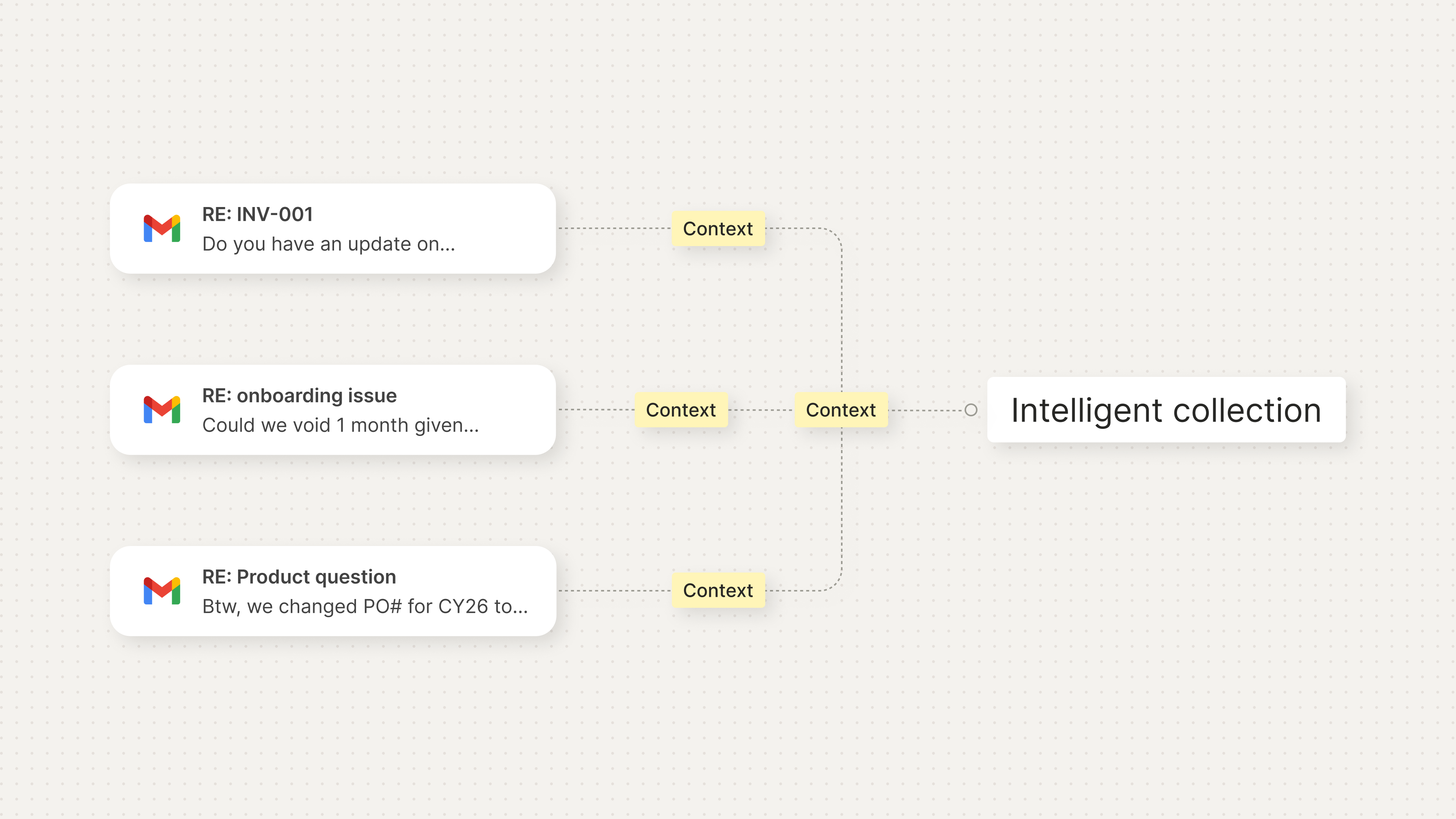
Every customer relationship is different. Some need white-glove treatment and others a nudge. Some require an escalation to a specific customer success person or sales rep because of what they said in another email thread. Others require a shift in tone based on their payment terms. Others want to be notified only in slack.
That’s why we built playbooks - giving every business a customizable collection workflow.
What can you do with Playbooks:
- Create triggers and workflows specific to a customer segment (tone shift, conditions, escalations to sales/customer support)
- Auto-resolve AP questions with context from relevant email threads
- Pause automatically when product questions or upsells opportunities come up
- Use proven workflows recommended by our team (for now)
- Configure multi-thread collections
- Now you can start a playbook when you send an invoice
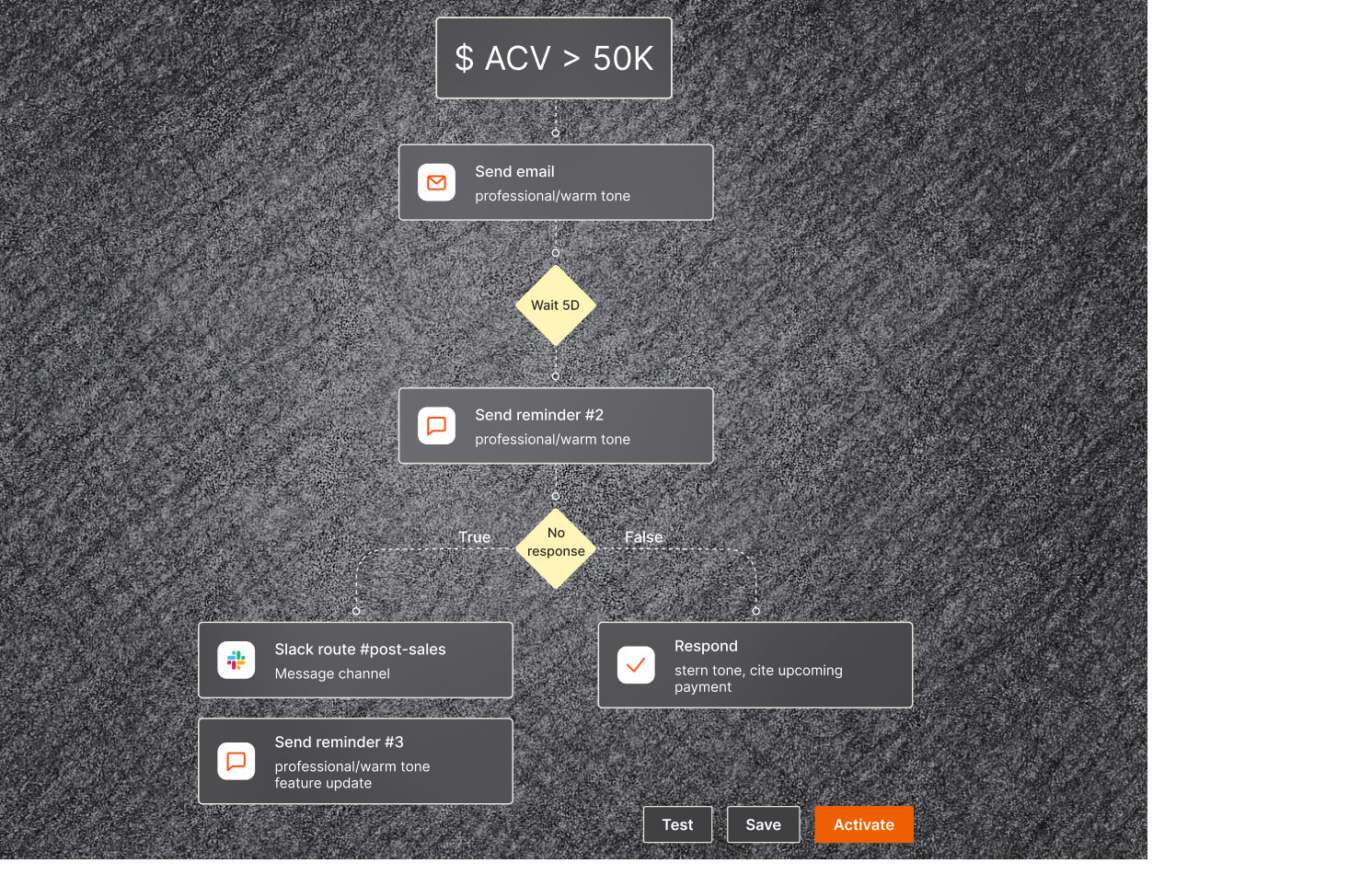
This is day 1 for Playbooks, but you can already start to evaluate how our agents work.
We have a # of updates in development to further improve the system and we are excited to share them with you.
To learn more, book a demo by following this link.
Frequently Asked Questions
Which tools allow configurable collections playbooks by customer segment?
Monk lets you configure collections playbooks by customer segment. Set the tone, conditions, cadence, and escalation rules for enterprise, mid-market, and long-tail accounts, or assign a playbook to an individual customer, and Monk holds that standard across every matching account.
What is Monk Playbooks?
Playbooks is Monk's workflow builder for intelligent collections, a system that reasons rather than just reminds. It gives any business customizable accounts receivable workflows that can be tailored to different customer segments and situations.
Why did Monk build Playbooks?
Finance, biz-ops, and post-sales teams should not spend time chasing customers. The current AR process forces context switching between tools like Slack, Gmail, QuickBooks, and Google Sheets, breaks deep work, and relies on dunning reminders that are often ignored. Agentic collections alone are not enough because every customer relationship is different.
What can you do with Playbooks?
You can create triggers and workflows specific to a customer segment, including tone shifts, conditions, and escalations to sales or customer support, auto-resolve AP questions using context from relevant email threads, automatically pause when product questions or upsell opportunities come up, and use proven workflows recommended by the Monk team.
How does Playbooks handle different customer relationships?
Some customers need white-glove treatment while others need only a nudge. Playbooks lets you escalate to a specific customer success person or sales rep based on what was said in another email thread, shift tone based on payment terms, or notify only in Slack.
How do I get started with Playbooks?
You can use proven workflows recommended by the Monk team or build bespoke workflows for your instance or for specific customers. To learn more, you can book a demo with Monk.
If this is the problem you are solving, these go deeper: How We Build: Duplication vs Premature Abstractions, Introducing Multi-Threading: Agentic Collections Get Smarter in Monk, Monk Raises $25M to Help Businesses Get Paid Faster, The Future of Follow-Ups: Workflows, Escalations, and Intelligent Collections, Introducing Pause Invoices and Francesco Coacci.


.avif)