Should You Keep Chasing an Invoice After the Customer Sends Remittance?
An invoice is in transit when remittance is sent but the payment has not cleared. Learn when to pause follow-ups and how Monk moves invoices there for you.
No. When a customer sends remittance advice that clearly pays an invoice in full, the invoice should move to In Transit and collections follow-ups should pause until the bank payment clears. Sending another reminder after the customer has told you they paid is the fastest way to annoy a good payer. In Monk, you can turn on a ruleset that does this automatically: the invoice moves to In transit right away, follow-ups pause and the invoice shows a “From remittance” tag.
Explore transaction remittance details
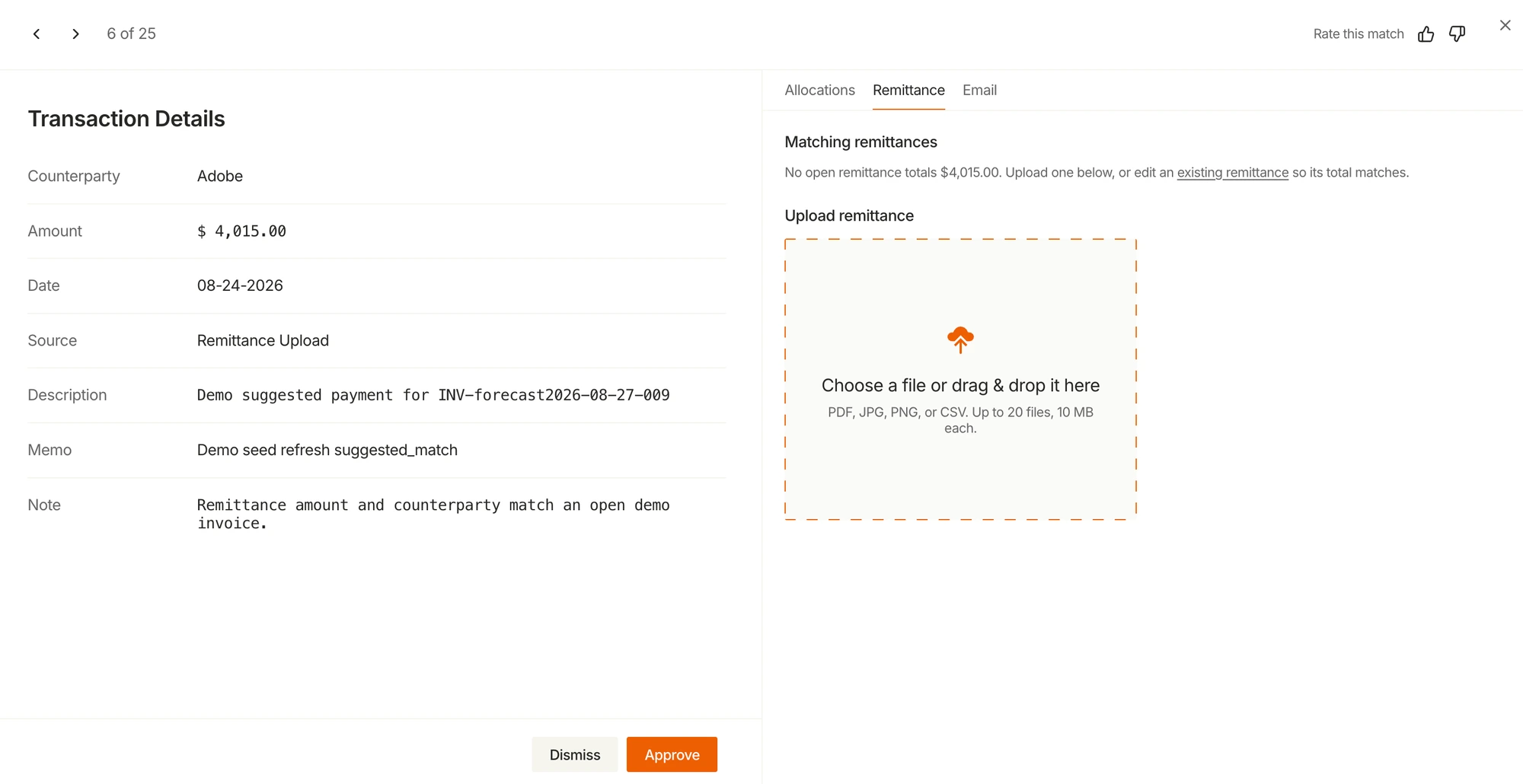
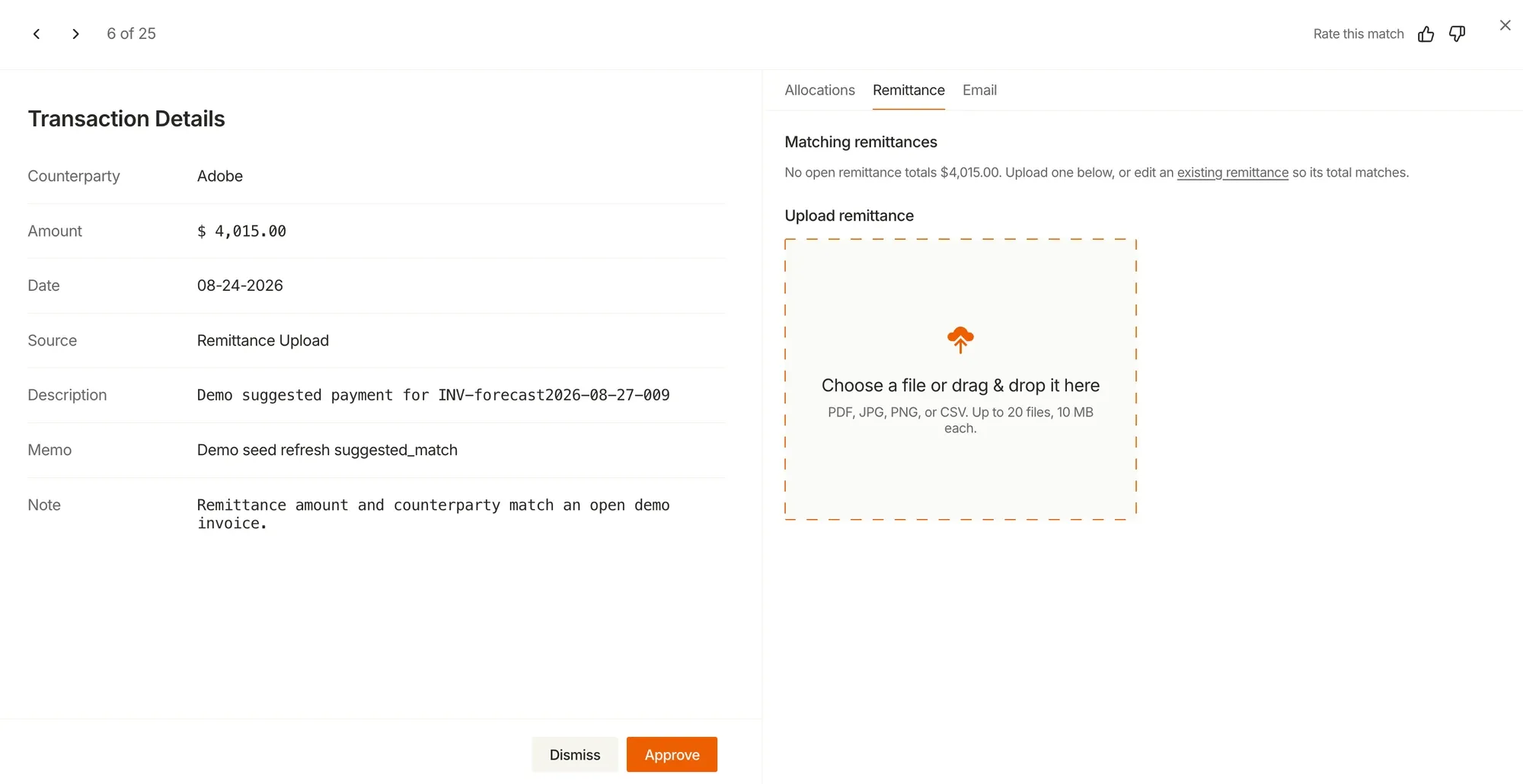
Transaction details sit beside the Remittance tab.
The remittance panel says no open remittance totals match.
A file upload area accepts remittance documents.
What does In Transit mean for an invoice?
In Transit is the status between “the customer says it is paid” and “the cash is in our bank.” The customer has sent remittance advice, a payment confirmation or a portal notice, but the payment has not posted to your account yet.
Treating this as its own status matters because the invoice is neither overdue in the usual sense nor paid. It needs a different action: wait and watch, instead of chase.
| Status | What it means | What collections should do |
|---|---|---|
| Open | Invoice sent, not yet due | Remind before the due date, if your playbook does |
| Overdue | Past due, no payment signal | Follow up |
| In Transit | Remittance received, cash not yet cleared | Pause follow-ups and watch for the payment |
| Paid | Payment received and applied | Stop |
| Disputed | Customer contests all or part of it | Route to the dispute owner |
Why is there a gap between remittance and payment?
Remittance and payment travel separately. A customer’s AP team may email a remittance file the day they schedule a payment, while the money moves on the bank’s timeline.
How long that takes depends on the rail. Same Day ACH can send and receive payments within hours on the same business day, according to Nacha, but many B2B payments are scheduled for a later run, sent by standard ACH or mailed as checks. For a comparison of the main rails, see ACH vs Wire vs Check.
During that gap, a collections system that only looks at the bank sees an unpaid invoice. Without a signal from the remittance, it keeps following up.
What goes wrong when you keep chasing?
Three things tend to happen when follow-ups continue after a customer has sent remittance.
- The customer gets a reminder for something they already paid, which reads as careless.
- AP teams reply to say it is paid, which creates work on both sides.
- Your aging report overstates what is late, because paid-but-not-cleared invoices still show as overdue.
The first point matters most. The customers who send remittance promptly are often your best payers, and they are the ones most likely to notice a needless reminder. Monk covers related cases in How to Chase Invoices Without Annoying Customers.
When should an invoice move to In Transit automatically?
Automation should only act when the evidence is clear. A good rule is that the remittance must clearly pay the invoice in full.
Here is a hypothetical example. A customer emails a remittance listing INV-2041 for $12,400, which matches the open balance exactly. That invoice can move to In Transit with confidence. The same email also lists INV-2043 for $8,000 against a $9,500 balance. That one is a short pay and should stay in progress, with the difference handled as a possible deduction.
The partial case is why a full-payment rule is safer than a blanket “any remittance pauses everything” rule. For short pays, see How to Handle Partial Payments in AR.
What should happen if the payment never arrives?
In Transit should never be a place where invoices go to be forgotten. Every In Transit invoice needs a way back.
- If the remittance turns out to be wrong, someone should be able to remove it from the invoice.
- If the remittance review is canceled, the invoice should go back to in progress so follow-ups resume.
- If the payment has not cleared after a reasonable window for that customer’s payment method, the invoice should be flagged for a check.
In Monk, canceling the remittance review puts the invoices back to In progress, and you can remove the remittance from an invoice from the “From remittance” tag. For a manual hold with a set end date, Pause Invoices covers how collections resume automatically when the pause ends.
How does In Transit work with Stripe and other billing systems?
When a billing system still shows an invoice as open, a sync can push the invoice back to an unpaid state and restart follow-ups. That undoes the point of In Transit.
Monk handles this for Stripe: Stripe syncs keep the invoice In transit while Stripe still shows it as open. Once the payment arrives and is applied, the invoice moves to paid as usual.
How does Monk handle this?
Monk is an AI-native invoice-to-cash platform that runs collections and cash application in one system, which is what makes this possible. The remittance that cash application reads is the same signal that tells collections to stop.
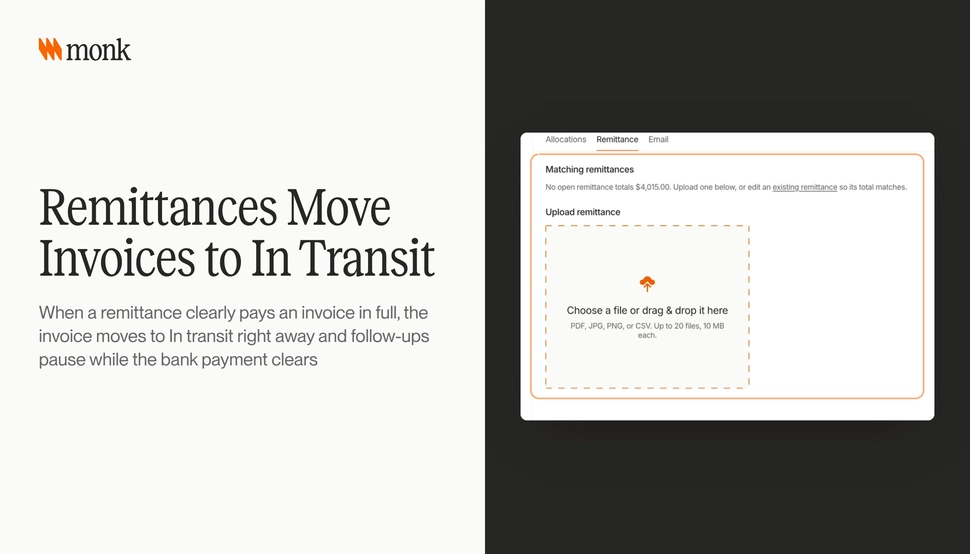
Remittances move invoices to In transit
Turn the ruleset on in Settings > Rulesets. It is off by default. When a remittance clearly pays an invoice in full, the invoice moves to In transit right away and follow-ups pause while the bank payment clears. The invoice shows a “From remittance” tag, with options to open the remittance or remove it from the invoice. As of the October 15 - 31 release, each remittance lists the invoices it moved to In transit and drops invoices that were removed.
Monk also reads remittance advice sent by email, including spreadsheet attachments, and matches it to transactions automatically, so remittance does not have to be uploaded by hand to trigger this. Anything that needs a person lands in a triage queue. For the matching side, see What Is Remittance Matching?.
Where should you start?
Look at last month’s customer replies that said “already paid” or “payment sent.” Each one is a reminder that went out during the In Transit window. If there are more than a handful, turn on the ruleset, start with full-payment remittances only and review the In Transit list weekly for anything that has sat too long.
Frequently Asked Questions
What does In Transit mean in accounts receivable?
It means the customer has sent remittance or a payment confirmation, but the cash has not cleared into your bank yet. Collections should pause and watch for the payment.
Should I stop sending reminders after a customer sends remittance?
Yes, if the remittance clearly pays the invoice in full. Partial or unclear remittances should stay in progress so the difference can be worked.
How does Monk move invoices to In Transit?
When the ruleset is on and a remittance clearly pays an invoice in full, Monk moves the invoice to In transit right away and pauses follow-ups. It is off by default and lives in Settings > Rulesets.
What happens if the remittance is wrong?
You can remove the remittance from the invoice using the “From remittance” tag. Canceling the remittance review puts the invoices back to In progress.
Does In Transit work with Stripe invoices?
Yes. Stripe syncs keep the invoice In transit while Stripe still shows it as open.
Does Monk read remittance from email?
Yes. Monk reads remittance advice sent by email, including spreadsheet attachments, and matches it to transactions automatically.
Why does In Transit improve the aging report?
Invoices that are paid but not yet cleared stop showing as late in your follow-up queue. That gives a truer view of what needs collections work.