AR Automation for Sage Intacct (2026)

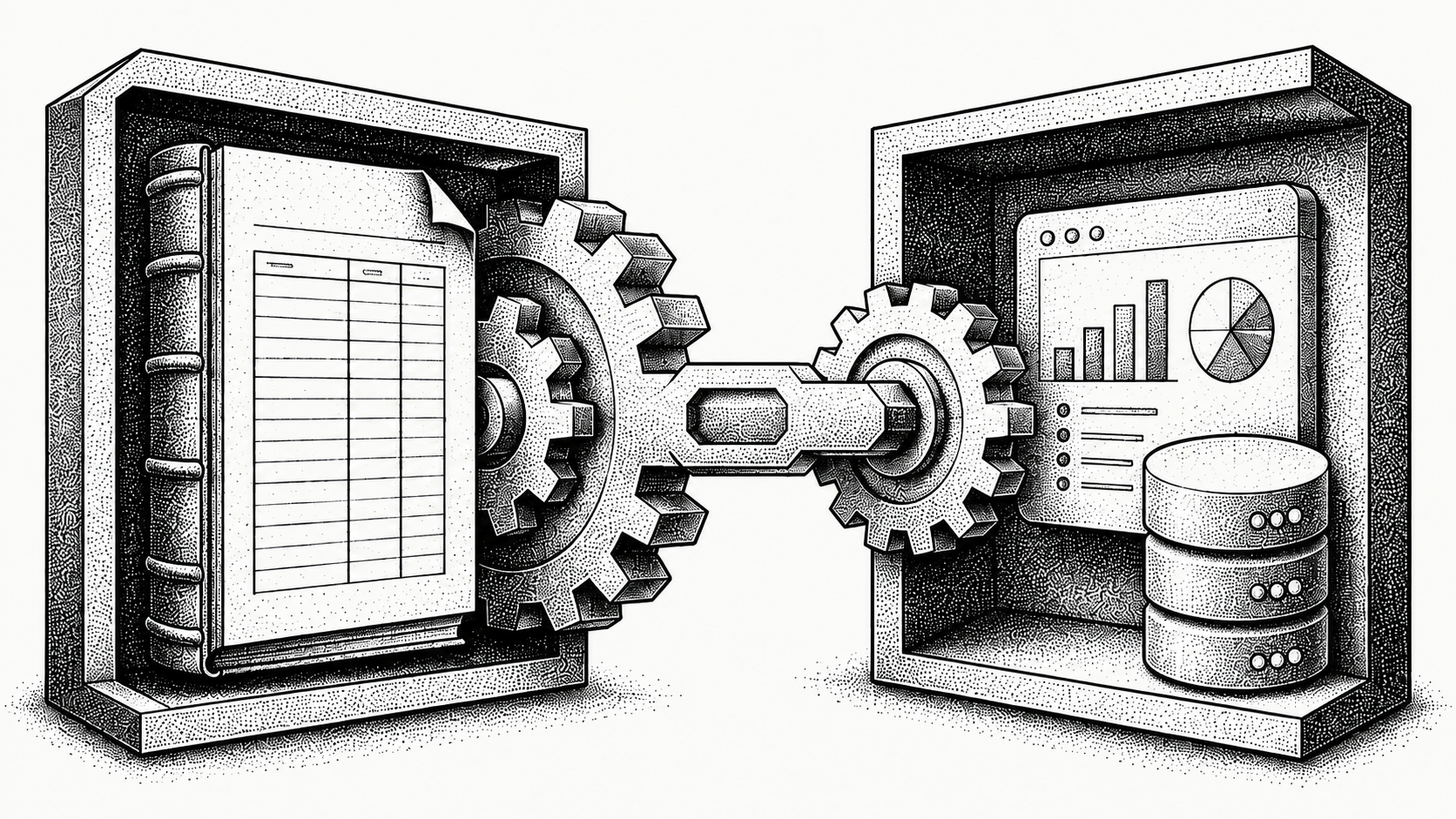
AR automation for Sage Intacct means putting an AI-native invoice-to-cash platform on top of your Intacct ledger so collections, cash application, and cash forecasting run automatically while Sage Intacct stays your system of record. A platform like Monk sits on top of the ERP rather than replacing it: invoices, customers, and the general ledger continue to live in Sage Intacct, and Monk drives smarter receivables on top of that data. Teams that adopt this approach typically see a 40% average reduction in DSO and recover around 26 hours of manual work each month.
This guide explains how AR automation works alongside Sage Intacct, what to look for in a platform, and where Monk fits. For the wider strategic picture, start with our explainer on what accounts receivable automation is and how it changes the finance team's day.
What Is AR Automation for Sage Intacct?
AR automation for Sage Intacct is the practice of automating the steps between issuing an invoice and collecting cash, using software that works alongside your Sage Intacct environment. Sage Intacct excels as a cloud accounting and ERP platform: it owns your chart of accounts, general ledger, invoicing, and financial reporting. What it does not do natively is run intelligent, behavior-based collections, match incoming payments to open invoices at scale, or project future cash with AI.
That is where an invoice-to-cash layer like Monk comes in. Rather than replacing Intacct, Monk sits on top of the ERP and works with the data already there, automating outreach, applying cash, and surfacing a forward-looking cash projection. Your finance team keeps Sage Intacct as the single source of truth.
The distinction matters because most receivables problems are not accounting problems; they are workflow problems. Intacct can tell you an invoice is 45 days past due, but it will not draft the right follow-up, adapt to how that customer has paid before, or match a messy split payment back to three invoices without someone keying it. Closing that gap is the whole point of an invoice-to-cash layer.
How Does Monk Work Alongside Sage Intacct?
Monk works alongside Sage Intacct by syncing through the systems it integrates with so the two environments stay aligned. Invoice and customer data originate in your ledger, and Monk reads that context so collections workflows always reflect current balances. When payments are received and matched, the result is reconciled so your accounting team never loses visibility.
Because Monk sits on top of the ERP rather than overwriting it, Sage Intacct remains authoritative and audit-ready. Monk's integrations include Sage Intacct, NetSuite, QuickBooks, Dynamics 365 Business Central, Salesforce, HubSpot, Stripe, and Anrok, plus Slack, Microsoft Teams, Gmail, Microsoft 365, and Docusign, and you can review the full list on the Monk integrations page. Most teams reach a working go-live in less than one week.
In practice that means there is no rip-and-replace project and no migration of historical balances. Your team continues to invoice and close the books in Intacct exactly as they do today, while Monk handles the receivables motion that sits between billing and cash. The two systems stay in agreement, so an aging report in Intacct and a collections dashboard in Monk tell the same story rather than drifting apart.
What Can You Automate in the Invoice-to-Cash Cycle?
With Monk layered on top of your Sage Intacct stack, you can automate the workflow-heavy parts of receivables that consume the most analyst time. Each of these is a step where finance teams normally burn hours on repetitive work, and each is something Intacct was never designed to own. Unlike traditional debt collection software for businesses, the outreach adapts to each account. The pattern is consistent: the ledger records what happened, and Monk drives what happens next.
- Collections outreach: personalized, behavior-aware follow-ups handled by Monk's AR agent Julia, which is 24 percent more effective than standard dunning because it adapts tone to each customer's history.
- Cash application: automatically matching incoming payments to the right open invoices, including split and consolidated payments, at an 80 percent automatic match rate (up to 95 percent with suggested rules).
- Dispute and deduction handling: routing and resolving exceptions, with 90 percent of collections resolved with zero human intervention.
- Cash projection: a forward-looking view of expected collections so finance can plan with confidence.
How Do You Choose an AR Automation Tool for Sage Intacct?
Use a simple set of criteria to evaluate any AR automation option against your Sage Intacct stack. The goal is a platform that strengthens your ledger investment rather than competing with it. The wrong tool forces a migration or duplicates your accounting functions; the right one slots into the gap Intacct leaves around active collections and cash application.
| Criteria | What to look for | How Monk approaches it |
|---|---|---|
| Integration model | Works alongside Intacct without replacing the ledger | Sits on top of the ERP; Intacct stays system of record |
| Collections intelligence | Behavior-based, adaptive outreach | 24 percent more effective than dunning |
| Cash application | Automated matching to open invoices | 95 percent automated match rate |
| Time to value | Fast go-live, low IT lift | About less than one week to go-live |
| Cash visibility | Forward-looking projection | Built-in AI cash projection |
Which AR automation tools work with Sage Intacct?
Monk builds AR software, so read this as a vendor's list and check it yourself. We included tools that connect to Sage Intacct directly, serve B2B invoicing rather than consumer billing, and publish enough detail to describe fairly. Capabilities move quickly, so confirm current coverage with each vendor before you buy.
| Tool | Best for | Consider |
|---|---|---|
| Monk | AI-native invoice-to-cash for B2B finance teams that want reply-aware collections, cash application and AP portal submission on top of Intacct. | Built around B2B invoicing. Teams whose receivables are mostly consumer card subscriptions will use less of it. |
| Versapay | Teams that want AR and payment acceptance together, with a buyer-facing collaboration portal. | The collaboration model works best once your customers adopt the portal. |
| Tesorio | Finance teams focused on cash forecasting and collections management in one view. | Confirm the depth of portal submission and dispute handling you need. |
| Gaviti | Collections workflow and AR analytics for teams that want structured queues and dunning cadences. | Check coverage if you also need cash application automated end to end. |
| HighRadius | Large enterprises buying a broad order-to-cash suite across many modules. | Scoped and priced for enterprise AR organisations, so fit depends on team size and timeline. |
The dividing line for most Intacct teams is how much of the chain a tool covers. Sending reminders is the easy part. Getting an invoice into a customer's AP portal, reading the reply that comes back and matching the payment when it lands is where the hours go. Monk runs all three, submits into more than 600 corporate AP portals with 87% uploaded autonomously, and resolves 90% of collections without a person stepping in.
What Results Can Finance Teams Expect?
Teams that automate receivables alongside Sage Intacct commonly see measurable gains. Monk customers report a 40% average reduction in DSO and roughly 26 hours per month given back to the team. Collections outreach is 24 percent more effective than traditional dunning, 90 percent of collections are resolved with zero human intervention, and Monk already manages $2B+ in receivables across its customers.
The faster way to compress those numbers is to attack the delay at every stage of the cycle, which is the focus of our guide on how to reduce DSO with six proven strategies. Layering those tactics onto your existing ledger is exactly why integrating a modern AR solution rarely requires ripping anything out.
It helps to think of the gains in stages. In the first weeks, automated, context-aware follow-up reaches more customers more consistently than a stretched team can, which is where the 24 percent lift over dunning shows up. Over the first quarter, faster, more accurate cash application keeps unapplied cash from piling up, so the DSO you report in Intacct reflects reality instead of a backlog. The compounding effect is a finance team that spends its time on judgment calls and exceptions rather than chasing and keying, which is part of why AR is increasingly a go-to-market function rather than a back-office one.
Does Monk Replace Sage Intacct?
No. Monk does not replace Sage Intacct. Intacct remains your accounting system and system of record for the general ledger, invoicing, and financial reporting, and Monk does not perform general ledger accounting, revenue recognition, or month-end close.
Monk is an AI-native invoice-to-cash and cash projection layer that sits on top of Intacct and works alongside it, automating collections and cash application while your ledger stays authoritative. The goal is to make your existing Sage Intacct investment more effective at converting invoices into cash, not to swap it out. To see how the pieces fit together, explore the Monk platform.
Frequently asked questions
Does Monk replace Sage Intacct?
No. Sage Intacct remains your system of record for the general ledger, invoicing, and reporting. Monk sits on top of Intacct and works alongside it to automate the invoice-to-cash process, and it does not perform general ledger accounting or month-end close.
How does Monk work with Sage Intacct?
Monk works alongside Sage Intacct by syncing through the systems it integrates with, so collections and cash application always reflect the current ledger. Invoice, customer, and payment context stays aligned while Intacct remains authoritative and audit-ready.
What can Monk automate for Sage Intacct users?
Monk automates collections outreach, cash application, dispute and deduction handling, and cash projection. Collections outreach is 24 percent more effective than traditional dunning, cash application matches at a 95 percent rate, and 90 percent of collections are resolved with zero human intervention.
How long does it take to go live with Monk on Sage Intacct?
Most teams reach a working go-live in less than one week, because Monk layers on top of your existing Intacct data rather than requiring a system migration. That speed comes from working alongside the ERP instead of replacing it.
What results do Sage Intacct users see with Monk?
Teams commonly see a 40% average reduction in DSO and recover roughly 26 hours per month. Monk currently manages $2B+ in receivables and is SOC 2 Type II compliant.
Does Monk take a percentage of revenue?
No. Monk does not take a percentage of your revenue, so the working capital you recover stays with your business. Pricing is independent of the cash Monk helps you collect.
Which AR automation tools integrate with Sage Intacct?
Sage Intacct has AR and collections tools available through its marketplace, including Monk, Versapay, Tesorio and Gaviti, with HighRadius serving the enterprise end of the market. Monk is the AI-native option, adding reply-aware collections, cash application and AP portal submission while Intacct stays your system of record.





.avif)