Multi-File Remittance Uploads Are Now Live in Monk

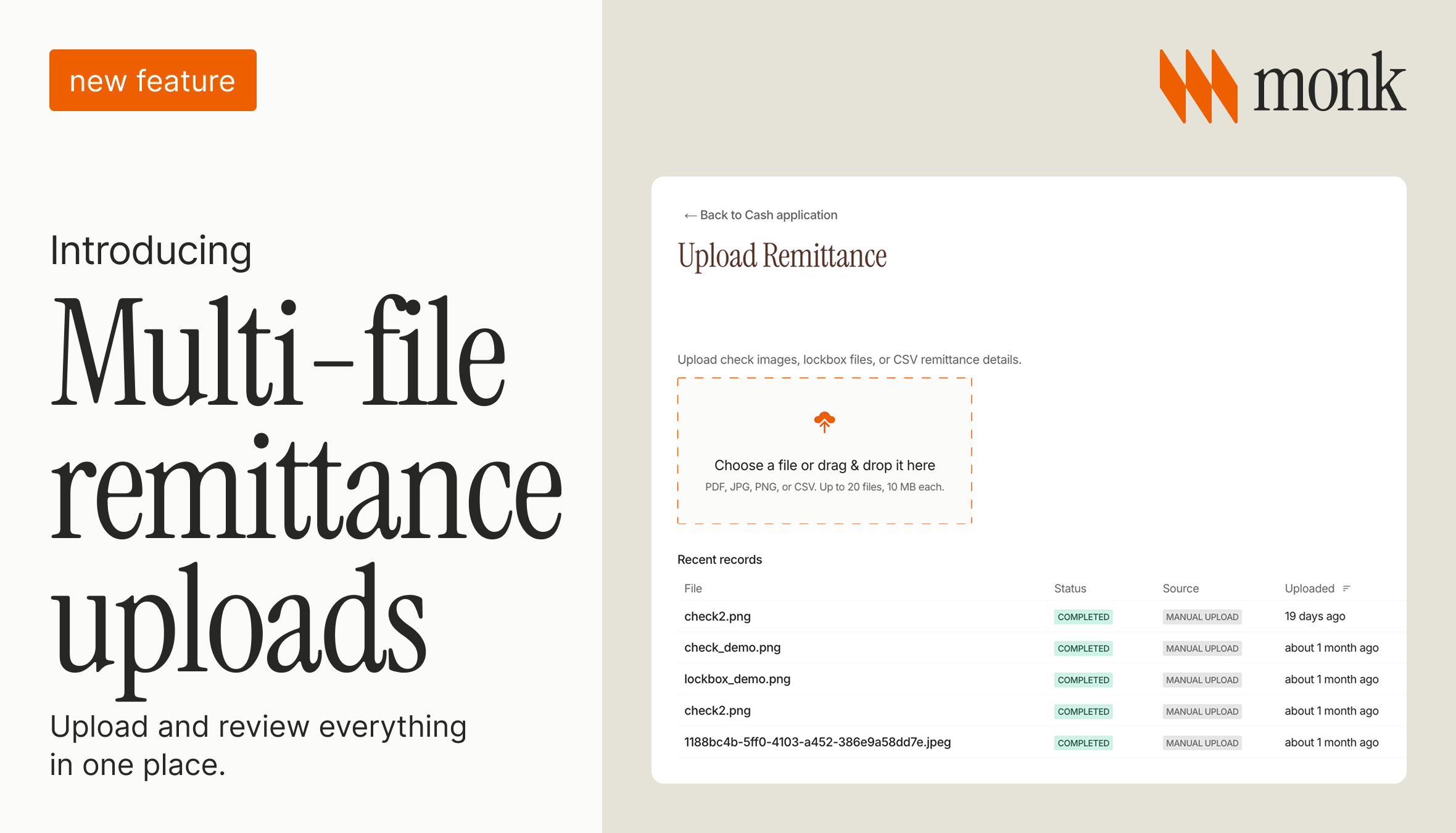
Cash rarely arrives one payment at a time. A single deposit can be a stack of checks from different customers, plus the lockbox files and CSVs that describe them. Most remittance tools still make you upload and key each one on its own.
What we shipped
Monk now lets you upload a whole batch at once, up to 20 files. Each check or file becomes its own line in a single payment breakdown, with the payer, invoice references, date, and amount read for you. You can edit any field before anything is applied, and Monk flags any payment that has no match yet, so it doesn't sit in a folder unnoticed. It is part of how Monk's cash application keeps unapplied cash from piling up.
It handles the formats a deposit actually arrives in: check images, lockbox files, CSVs, and PDFs. For the basics of how remittance matching works, our guide to remittance matching covers it. This update is about handling a batch of payments at once instead of one file at a time.
Why does uploading one file at a time create extra work?
Uploading checks one at a time is slow, and it scatters a single deposit across separate records. When ten checks come in together, keying them one by one means ten uploads, ten reviews, and ten chances to fumble a payer or an invoice number, with no way to see the deposit as a whole.
Reviewing them together fixes that. The whole batch lands in one breakdown, you see every payment at once, you catch the check that has no matching invoice before it is applied, and you approve everything in one pass.
What to check in your own remittance workflow
A few things worth checking:
- When a deposit includes several checks, do you process them together or one at a time?
- Is there a running list of payments that haven't been matched yet, or does that only live in someone's head?
- How long does a check typically sit before it's applied to an invoice?
Frequently Asked Questions
What are multi-file remittance uploads?
Uploading several remittance files, such as multiple checks, lockbox files, or CSVs, in one batch so they are read and reviewed together as a single payment breakdown instead of one at a time.
Can I upload checks from different customers in one batch?
Yes. A single deposit often includes checks from several payers. Monk reads each one into its own line, with the payer, invoice, date, and amount, so different customers are reviewed together in one place.
What happens to payments that don't match an invoice yet?
Monk flags them automatically so they don't sit unreviewed. That prevents unapplied cash from piling up quietly while it still looks like the team is keeping up.
How is this different from single-file remittance uploads?
Single-file uploads process one document at a time, even when a deposit contains many. Batch upload reads all of them into one editable breakdown, so you review and apply the whole deposit in one pass.
How many files can I upload at once?
Up to 20 files per batch, in check image, lockbox, CSV, or PDF formats.
Does Monk support multi-file remittance uploads?
Yes. Monk lets teams upload up to 20 checks, lockbox files, or CSVs at once, reads each into an editable payment-by-payment breakdown, and flags any payment without a match. See our remittance matching guide for the fundamentals.
Handling a deposit as one batch means cleaner books and a calmer month-end close, with less time spent keying checks one by one. If any of those questions gave you pause, book a demo to see how Monk's cash application handles it.
Worth reading next: Upload Remittances: Recover the Payment Detail Your Bank Feed Throws Away, Lockbox vs Automated Cash Application and Introducing Cash Application 2.0.

.png)



.avif)