Lockbox vs Automated Cash Application

What Is the Difference Between a Lockbox and Cash Application?
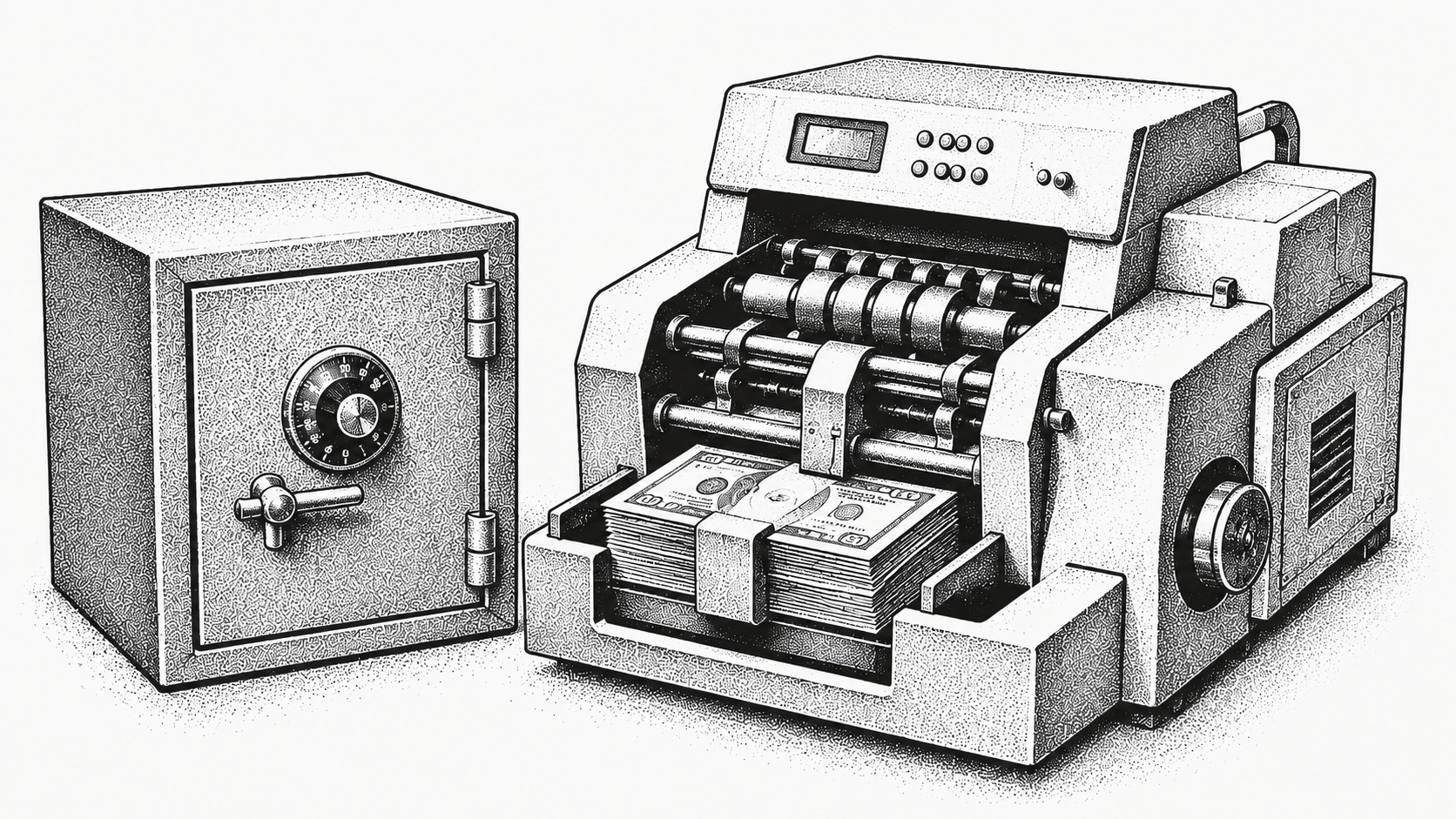
A lockbox and automated cash application solve different problems, and confusing the two is how finance teams end up paying for paper handling while their matching backlog stays exactly where it was. A lockbox is a bank service that collects, opens, and digitizes paper checks and mailed remittance on your behalf. Automated cash application is software that matches incoming payments to open invoices across every channel, including ACH, wire, card, and check. If your goal is to stop touching mail, a lockbox helps; if your goal is to clear payments to the right invoices without manual keying, you need automated cash application.
Many finance teams use both, but only one of them actually resolves the matching work that slows down receivables. This guide breaks down how each option works, where they overlap, and how to decide which fits your operation. Monk sits firmly in the cash application category as an AI-native invoice-to-cash platform, and for the broader frame, our overview of what accounts receivable automation covers sets the context.
What Is a Bank Lockbox Service?
A lockbox is a service your bank operates where customer payments are mailed to a dedicated post office box. The bank, not your team, becomes the first stop for incoming paper.
The bank collects the mail, opens it, deposits the checks, and scans the checks and remittance documents into images or data files. You receive a daily file with the captured information so your team does not have to handle physical mail or make trips to the bank. Lockboxes shine at one thing: removing the manual handling of paper. They reduce mail float, speed up deposits, and give you a clean digital record of what arrived. What a lockbox does not do is decide which open invoices each payment should clear, so that matching step still lands on your AR team.
What Is Automated Cash Application?
Automated cash application is software that ingests payments and remittance information from every channel, then matches each payment to the correct open invoices automatically. It is a resolution engine, not a collection service.
It pulls remittance from customer emails, AP portals like Coupa and Ariba, EDI, bank files, and lockbox feeds, normalizes the data, and applies cash without a person keying it in. When information is missing or ambiguous, it flags a clean exception rather than forcing a manual hunt across systems. The difference from rules-based tools is that an AI-native engine reads the actual context of each remittance, so it handles consolidated payments and the partial and short-paid payments that a fixed rule set cannot.
This is the category Monk operates in: it reads remittance across channels and applies payments at scale at an 80% automatic match rate, rising to 95% with suggested rules. Teams using this approach resolve 90% of collections with zero human intervention and reclaim an average of 26 hours per month previously spent on manual matching. Pump, for instance, automated more than 96% of its collections emails and saved 40-plus hours a week while scaling from $1M to $25M in ARR, as the Pump case study details. The underlying step is explained in our piece on how remittance matching works.
How Do Lockbox and Automated Cash Application Compare?
The clearest way to see the difference is side by side. A lockbox is a collection and digitization service, while automated cash application is a matching and resolution engine; they can work together, but they are not substitutes.
| Capability | Bank Lockbox | Automated Cash Application |
|---|---|---|
| Primary purpose | Collect and digitize paper payments | Match payments to open invoices |
| Payment channels covered | Paper checks and mailed remittance | ACH, wire, card, check, and lockbox feeds |
| Remittance matching | Not included, your team still applies cash | Automated across all channels |
| Exception handling | Manual, handled by AR staff | Flagged and routed automatically |
| Electronic payments | Not handled | Fully handled |
| Speed to applied cash | Faster deposit, manual application | Same-day automated application |
| Best for | Reducing paper and mail handling | Eliminating manual matching end to end |
Which Problems Does Each One Actually Solve?
A lockbox solves the logistics of paper. The hard work begins the moment a payment is digitized, and that is the work automated cash application is built for.
If a large share of your customers still mail checks, a lockbox cuts the time your team spends opening envelopes and driving to the bank, and it shrinks mail float. But once a payment is scanned, someone still has to figure out which invoices it pays, especially when one check covers several invoices or arrives short by a disputed amount. That matching is the real bottleneck, and our analysis found that 39% of cash-flow slowdowns are caused by predictable, recurring exceptions, exactly the category automated matching handles best. Digitizing a check does not apply it; automation that reads intent and reconciles payments is where the time savings live, which is why moving off manual payment matching matters as much as the collection step.
Can You Use a Lockbox and Automated Cash Application Together?
Yes, and many teams do. The two are complementary rather than competing, because each owns a different part of the workflow.
The lockbox handles the physical mail and produces a daily digital file. Automated cash application ingests that file alongside ACH, wire, and card payments, then matches everything to open invoices in one workflow. In this setup the lockbox feeds the software, and the software does the resolution, so you get clean paper handling plus automated matching across every channel instead of a digitized check that someone still has to apply by hand. The practical benefit is a single view of applied cash regardless of how the customer paid, which keeps your aging report accurate and narrows the gap between billed and collected revenue no matter the channel mix. With Monk, matched cash then flows into your ERP through native integrations with systems like NetSuite, QuickBooks, and Stripe.
How Do You Decide Which to Invest In?
Start with where your payments come from, because the right answer depends entirely on your payment mix. The deciding question is whether your bottleneck is handling paper or applying cash.
If most of your volume is electronic, a lockbox offers limited value because it only touches paper, so you should prioritize automated cash application. If you still receive significant check volume and your team spends hours opening mail, a lockbox plus automated cash application gives you both. For most modern AR teams, the bottleneck is matching rather than mail, which makes automated cash application the higher-leverage investment. It also pays back faster: Monk goes live in less than one week, manages $2 billion in AR, is SOC 2 Type II compliant, and does not take a percentage of your revenue. You can see how the matching engine fits the wider workflow on the AR automation platform, and the operational tradeoffs by business type are covered in our comparison of cash application across SaaS and marketplace models.
Frequently Asked Questions
Common questions about lockbox services versus automated cash application.
Is a lockbox the same as cash application?
No. A lockbox is a bank service that collects and digitizes paper payments, while cash application is the process of matching those payments to the correct open invoices. A lockbox stops at digitization and leaves the matching to your team.
Does a lockbox handle electronic payments?
No. A lockbox only processes paper checks and mailed remittance. ACH, wire, and card payments bypass the lockbox entirely and still need to be matched separately, which is where automated cash application takes over.
Can automated cash application replace a lockbox?
For electronic payments, yes. For paper checks, a lockbox still provides useful collection and digitization, which automated cash application can then ingest and match. Many teams run both together for full coverage.
What does automated cash application do that a lockbox cannot?
It matches payments to open invoices automatically across every channel, routes exceptions without manual hunting, and applies cash the same day instead of leaving the work to AR staff. Monk does this at an 80% automatic match rate, rising to 95% with suggested rules.
Which option reduces manual work more?
Automated cash application removes far more manual effort because it eliminates the matching and exception work that a lockbox leaves untouched. A lockbox only reduces mail handling, while the matching is what consumes most analyst time.
How quickly can a team automate cash application?
With Monk, go-live typically takes less than one week because it connects to existing bank, billing, and ERP systems rather than replacing them. Matching begins as soon as the connections are live.
If matching and exceptions are slowing your team down, automated cash application is the higher-leverage investment. See how Monk applies cash across every channel or book a demo to map it to your payment mix.
Worth reading next: Upload Remittances: Recover the Payment Detail Your Bank Feed Throws Away, Introducing Cash Application 2.0 and Multi-File Remittance Uploads Are Now Live in Monk.



.avif)