How to Handle Partial Payments in AR

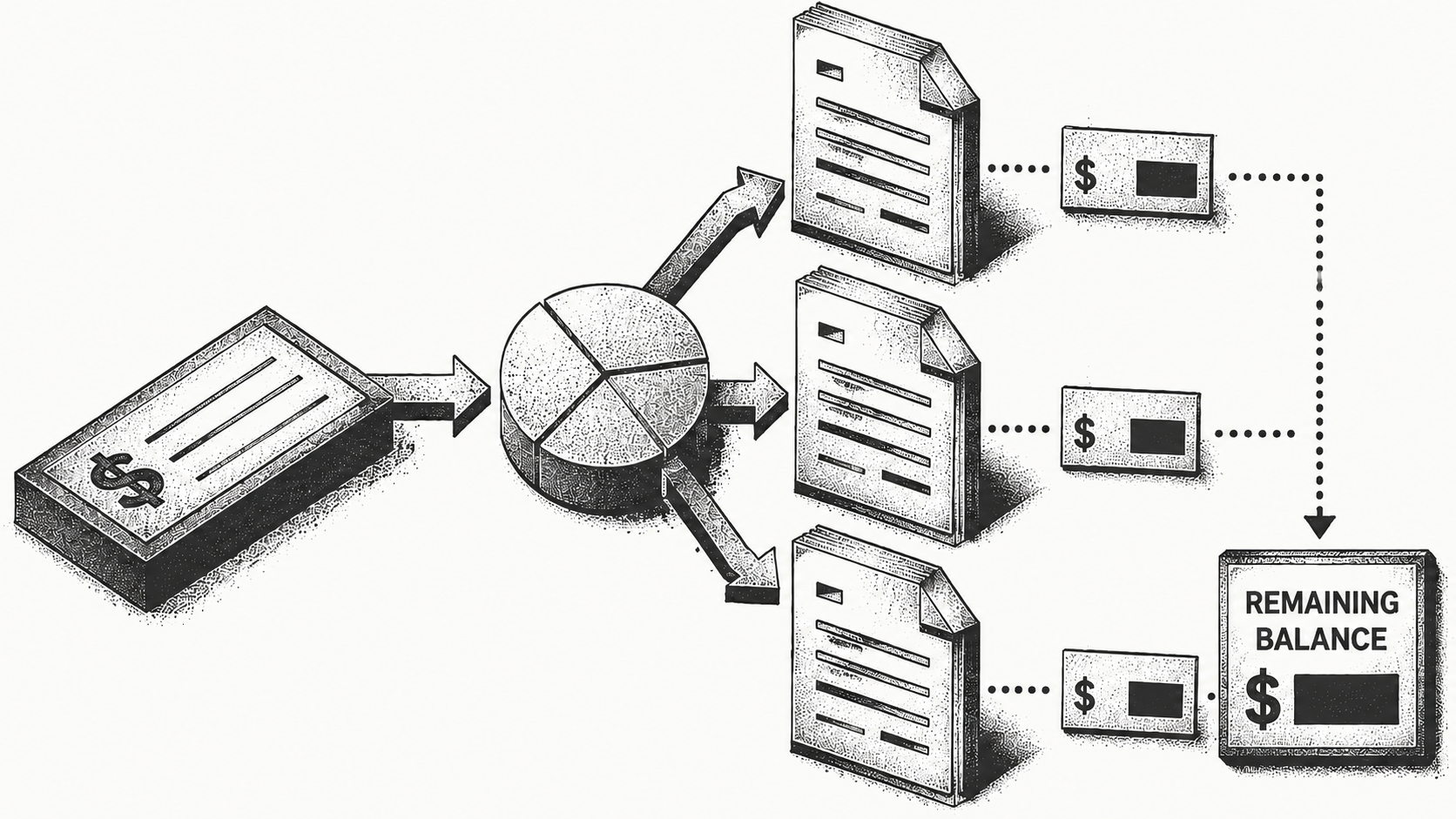
How Do You Handle Partial Payments in Accounts Receivable?
A partial payment is any payment that covers less than the full amount owed on one or more invoices, and handling it correctly means applying the received funds to the specific invoices the customer meant to pay, keeping the unpaid balance open and visible, and recording why the payment fell short. The mistake most teams make is treating a partial payment as a math problem when it is really an intent problem: you need to know what the customer was trying to do before you can apply the cash accurately. Get the intent right and the accounting is trivial; get it wrong and you create a misapplied payment that someone has to unwind later.
This guide explains how partial payments arise, how to apply them step by step, and how to keep them from becoming a backlog of unresolved exceptions. Monk handles this automatically as part of its AI-native cash application, reaching an 80% automatic match rate, up to 95% with suggested rules, and for the broader context, our overview of what accounts receivable automation covers is a useful starting point.
What Counts as a Partial Payment in AR?
A partial payment is any remittance that does not fully settle the invoices it is meant for. It shows up in a few common forms, and recognizing which one you are looking at is the first decision.
A customer might pay some invoices in a batch but not all of them, pay an invoice minus a deduction or short pay, or make a scheduled installment against a larger balance. In each case the cash that arrives is less than the open balance, and someone has to decide how to apply it. The label matters: a short pay tied to a damaged shipment is a dispute, an installment is an agreed plan, and a deduction for an early-payment discount is contractual. Each of these has a different owner and a different resolution path, so misclassifying one sends it to the wrong place and delays the fix. Applying the cash correctly means recognizing which of these you are dealing with before you post anything.
Why Are Partial Payments Hard to Apply?
Partial payments are hard because the remittance rarely spells out the full story. The arithmetic is never the problem; reconstructing intent is.
A customer might send 4,200 dollars against three invoices without saying which ones it covers or why the amount is short. Your team is left guessing whether it is a deduction, a dispute, or a phased payment, and a wrong guess creates a misapplied payment that has to be unwound later, which costs far more time than the original entry. The guessing also does not scale: what is a minor nuisance at a handful of payments per day becomes a permanent backlog at a few hundred. This is the crux of the matching problem, and partial payments concentrate that ambiguity, which is why they generate a disproportionate share of AR exceptions. Our analysis found that 39% of cash-flow slowdowns are caused by predictable, recurring exceptions, and short pays are one of the most common culprits, a pattern explored further in our explainer on how remittance matching works.
How Do You Apply a Partial Payment Step by Step?
A clean, repeatable process keeps partial payments from piling up into a backlog. The order matters as much as the steps themselves, because identifying intent first prevents every mistake that follows. The table below lays out the steps to follow every time, and why each one matters.
- Confirm what the customer intended to pay. Open the remittance advice, the payment email, and the AP portal record before you post anything to the ledger. Look for invoice numbers, credit memo references, and any note explaining the shortfall. If none of those exist, check whether the amount received equals an invoice total minus a known discount or deduction, which often identifies the target invoice on its own.
- Allocate the cash to the invoices named in the remittance. Post the payment against those specific invoices rather than letting the system sweep the balance oldest-first. Where one remittance covers several invoices, settle each invoice it fully pays and leave the shortfall sitting against the single invoice the customer short paid.
- Keep the unpaid remainder open on the original invoice. Do not write off the difference or net it against another invoice without written authorization. The remainder stays on the aging report at its original invoice date, so the account balance and your DSO both continue to reflect what is genuinely outstanding.
- Classify the shortfall with a reason code. Decide whether the gap is a dispute, a contractual deduction, an early-payment discount, or an agreed installment, and record that code against the open balance. Coding at the point of application is what lets you report on recurring short-pay causes later. Our analysis found 39% of cash-flow slowdowns come from predictable, recurring exceptions.
- Route the exception to whoever can close it. Send disputes to the account owner or service team, deductions to whoever owns the claim, and installments back to collections with the agreed next payment date. Attach a follow-up date to each one so the balance cannot age quietly in a shared inbox.
- Tell collections exactly what to chase. Update the collections queue so the next outreach references only the remaining balance and the reason it is still open. Chasing the full original invoice after a good-faith partial payment damages the relationship and often triggers a second dispute.
| Step | Action | Why it matters |
|---|---|---|
| 1. Identify intent | Determine which invoices the payment targets and why it is short | Prevents misapplied cash and rework |
| 2. Apply to specific invoices | Allocate funds to the intended invoices, not oldest-first by default | Keeps customer accounts accurate |
| 3. Leave the balance open | Keep the unpaid remainder as an open receivable | Preserves visibility for follow-up |
| 4. Document the reason | Record dispute, deduction, or installment with a code | Speeds resolution and reporting |
| 5. Route the exception | Send disputes and deductions to the right owner | Resolves issues before they age |
Where Should the Remaining Balance Go?
The unpaid portion stays as an open receivable against the original invoice, never written off or netted into another invoice without authorization. This is what keeps collections accurate and the aging report honest, and it is also what keeps the gap between billed and collected revenue visible rather than buried. Netting a shortfall against an unrelated invoice may make a single account look tidy, but it hides the real problem and makes the next reconciliation, including the month-end close, far harder.
Keeping the balance open and clearly labeled is what lets your collections process follow up on exactly the right amount rather than the full original invoice. If the shortfall is a deduction or dispute, it should be flagged with a reason code so the responsible team can resolve it, rather than sitting as an unexplained gap on the account. When matching and collections share the same data, a correctly applied partial payment immediately tells collections to pursue only the remaining balance, which is why these two functions work best as one connected workflow. Siro saw the payoff of that discipline, cutting overdue AR by 45% while growing revenue and saving more than 10 hours a week, as the Siro case study shows. Handled well, partial payments stop dragging on DSO, a connection covered in our guide to reducing DSO.
How Does Automation Handle Partial Payments?
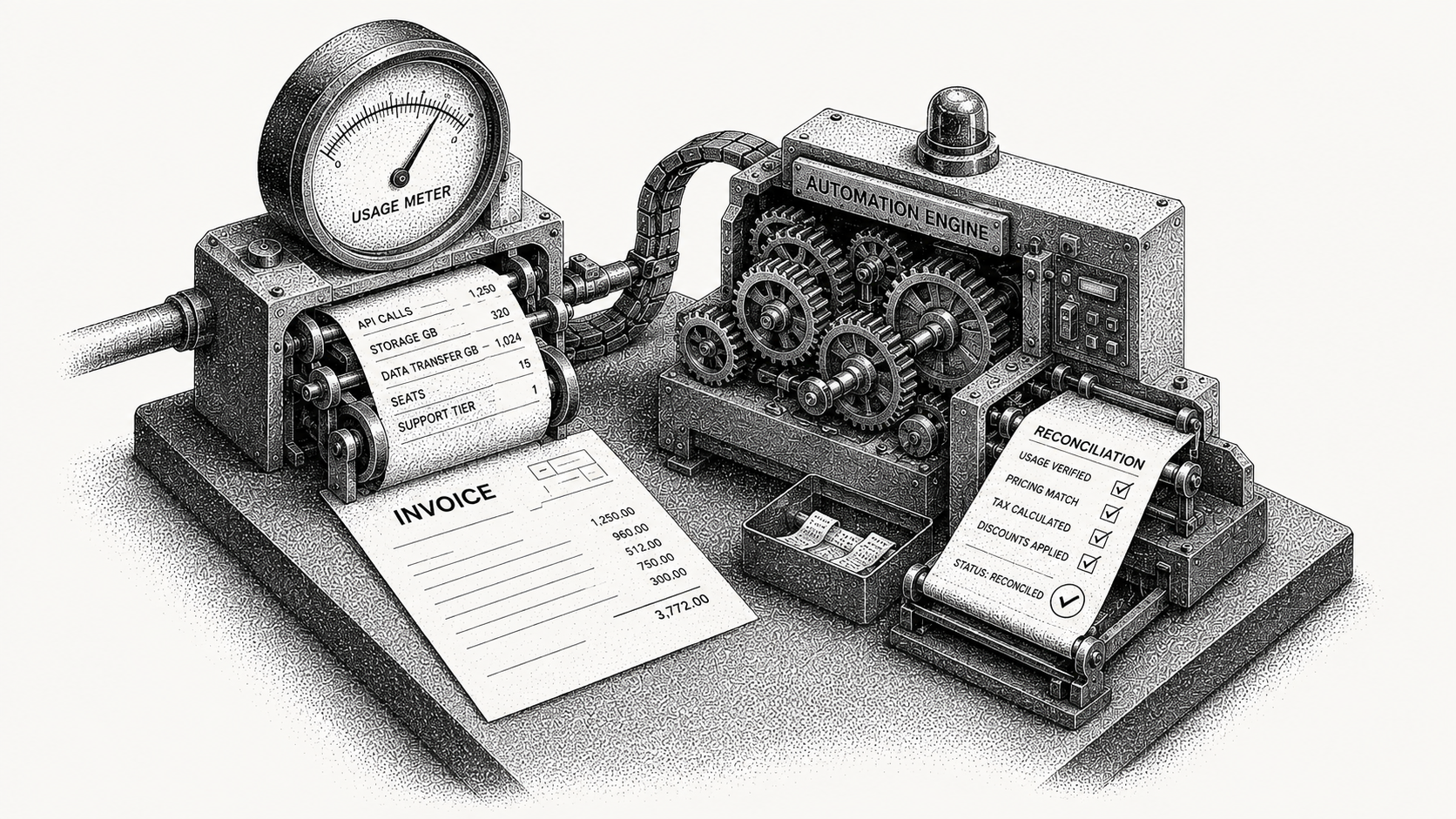
Automated cash application changes the economics of partial payments by reading customer intent across channels instead of guessing. It is the difference between an analyst investigating each short pay and a system resolving most of them on its own. That shift matters most for partial payments specifically, because they are the category where manual interpretation is slowest and most error-prone.
It pulls remittance from customer emails, AP portals like Coupa and Ariba, and bank files, then infers which invoices a short payment targets and why. The difference from a rules-based tool is that an AI-native engine reads the actual context of each payment rather than applying a fixed rule that breaks the moment a customer's format changes. Disputes and deductions are flagged as clean exceptions and routed automatically rather than landing in a shared inbox to age. This is the core of how Monk works as an AI-native invoice-to-cash platform: it reaches an 80% automatic cash application match rate, rising to 95% once teams enable suggested rules, resolves 90% of collections with zero human intervention, and saves teams an average of 26 hours per month. Matched cash flows into your ERP through native integrations with systems like NetSuite, QuickBooks, and Stripe, and the wider playbook for removing this manual work is covered in our guide to stopping manual payment matching. You can also see how it fits the full workflow on the AR automation platform.
Frequently Asked Questions
Common questions about handling partial payments in accounts receivable.
What is a partial payment in accounts receivable?
A partial payment is any payment that settles less than the full balance owed on one or more invoices. It can be a deduction, a short pay tied to a dispute, or a scheduled installment against a larger balance.
How do you record a partial payment?
Apply the received funds to the specific invoices the customer intended, leave the remaining balance open as a receivable, and document the reason for the shortfall with a code so it can be followed up. Recording the intent is what prevents rework later.
Should you apply partial payments oldest invoice first?
Only if that matches customer intent. Defaulting to oldest-first can misapply cash when the customer meant to pay specific invoices, which creates exceptions you later have to unwind by hand.
What happens to the unpaid balance after a partial payment?
The unpaid portion stays open against the original invoice so collections can follow up on the exact amount. It should not be written off or netted elsewhere without authorization, or the ledger stops reflecting reality.
How does automation reduce partial payment problems?
Automated cash application reads remittance and customer intent across channels, infers which invoices a short payment targets, and routes disputes and deductions as clean exceptions instead of leaving them for manual guesswork. Monk does this at an 80% automatic match rate, rising to 95% with suggested rules.
How quickly can a team automate partial payment handling?
With Monk, go-live typically takes less than one week because it connects to existing bank, billing, and ERP systems rather than replacing them. Matching, including partial payments, begins as soon as those connections are live.
Want to stop guessing at short pays? See how Monk applies partial payments automatically or book a demo to map it to your accounts.
Worth reading next: The Hard Part of Cash Application Is User Intent.


.avif)