Monk Now Submits Your Invoices to Every AP Portal

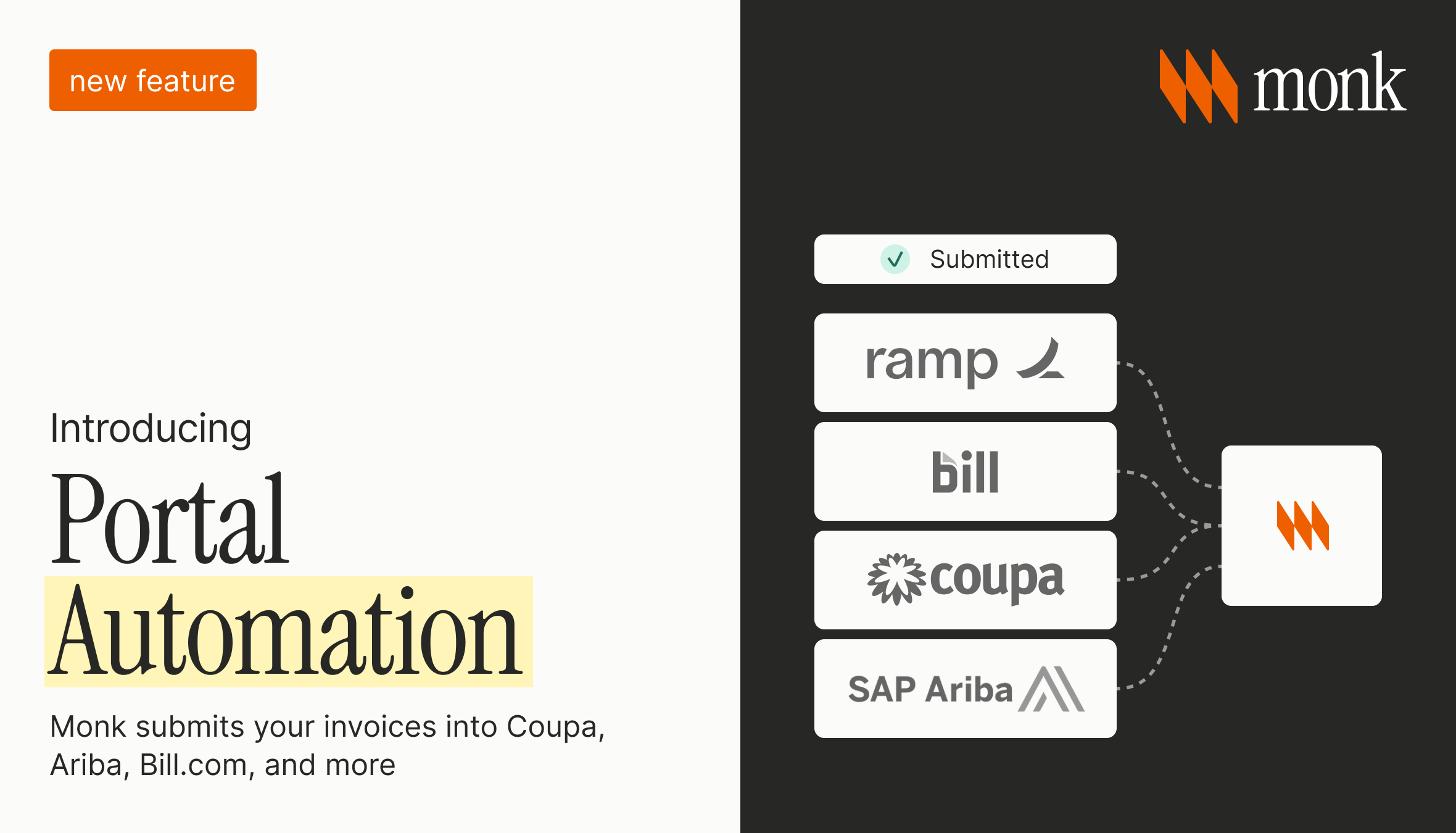
Monk now submits your invoices into your customers' AP portals for you. Many enterprise buyers refuse email invoices. They make you upload every invoice into their procurement system, a portal like Coupa, Ariba, Bill.com, Tipalti, or Workday. Monk logs in, submits the invoice, maps the fields, and matches it to the purchase order, uploading 87% of invoices autonomously and pulling in a human reviewer only when a portal needs a real decision.
This is where enterprise receivables break. For a large buyer, sending an invoice is not the same as delivering one. If the invoice is not in the portal, the payment clock never starts, no follow-up email will fix it, and the receivable ages while nobody notices.
Why do invoices to enterprise buyers go unpaid?
Most large companies no longer accept invoices by email. They require suppliers to upload through an AP portal that their accounts payable team chose, and every buyer picks a different one. A supplier with two hundred enterprise customers can be managing logins across thirty or forty systems. Across the more than $2 billion in receivables Monk manages, 92% of enterprise invoices must be submitted through a vendor portal or network rather than paid from an emailed invoice.
That setup work falls on the seller. Before your first invoice, you register as a vendor, complete onboarding and tax forms, and sometimes verify your bank by phone. After that, every invoice gets entered by hand, matched to a purchase order, and submitted under that portal's rules.
An invoice that is not in the portal does not exist to the buyer. That is where unexplained DSO (days sales outstanding) comes from: the invoice was "sent" sixty days ago but never entered the system, so it was never in line to be paid. More on this in why sending an invoice on time does not guarantee payment.
What is portal automation in Monk?
Portal automation takes third-party portal work off your finance team. Monk tracks every portal request it is handling, moves the routine ones forward on its own, and surfaces only what needs a person on your side.
It registers you as a vendor, submits each invoice into the right portal, matches it to the purchase order, watches the submission until the buyer confirms it, and catches rejections before they age. Every action happens in your name and from your email domain, so customers see one consistent identity.
It runs as a service. Your team does not get a new queue. They review what Monk already did and step in only when a portal needs a decision that is theirs to make.
Which AP portals does Monk support?
Monk integrates directly with more than 600 corporate AP portals, including Coupa, Ariba, Bill.com, Tipalti, Workday, Oracle, Ramp, and Stampli, plus the long tail of uncommon and custom portals. There is no universal API for these systems, so Monk operates them the way a person does: through the browser, email, and PDF uploads. Automation handles the volume and humans handle the exceptions.
Here is manual submission next to Monk portal automation.
| Task | Manual submission | Monk portal automation |
|---|---|---|
| Vendor onboarding | Your team fills out forms per buyer | Monk completes registration and onboarding |
| Invoice submission | Manual entry into each portal | Submitted automatically, matched to the PO |
| Rejections | Often silent, caught late or never | Detected and worked before the invoice ages |
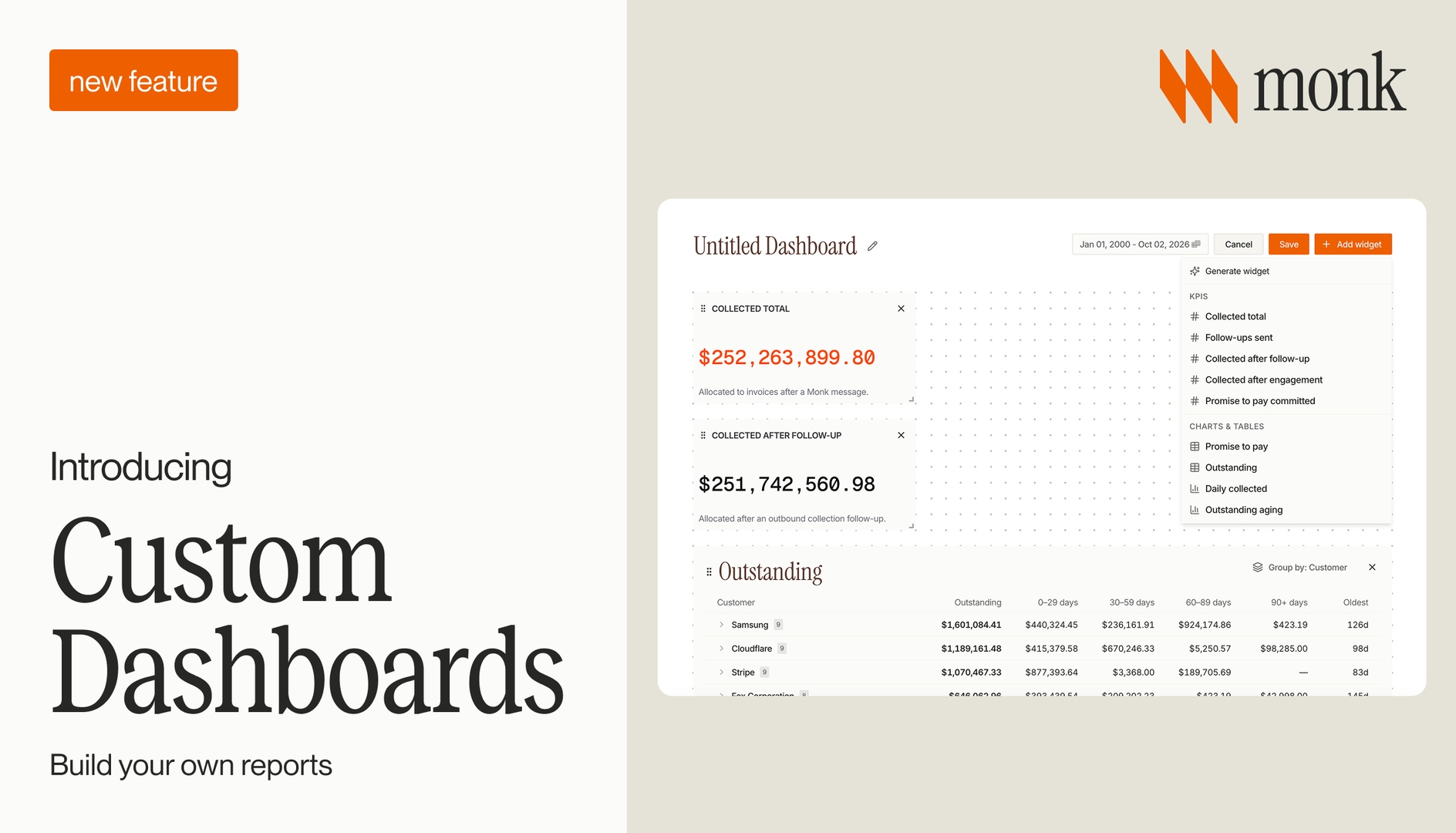
| Status tracking | A manual spreadsheet | One dashboard with statuses and linked invoices |
| Team effort | Hours a week in other companies' software | Review only what needs judgment |
For the technical build, see automating AP portals for enterprise. For a market overview, see the best AP portal automation software in 2026.
How does Monk handle portal access, 2FA, and vendor onboarding?
Access is the real bottleneck, so Monk treats it as the main problem. To act for you, Monk needs legitimate, auditable access to each portal, handled through secure credentials rather than shared passwords or screenshots. Two-factor authentication, which usually stops these systems cold, is handled so codes reach a place the system can read. More on that in why a six-digit code blocks your enterprise payments.
Vendor onboarding runs in the same flow. Registration forms, qualification packages, and banking or tax details get completed as part of going live, so a new enterprise customer does not turn into weeks of setup before your first invoice.
This is money-path work in your name, so the accuracy bar is high. Human review is part of the process, so a controller can stand behind what was submitted.
What happens when a portal rejects an invoice?
Monk catches the rejection and works it, instead of letting the invoice go quiet and age. Portals reject for small reasons: a purchase order off by a few cents, an invoice number already used, a closed PO, a submission that cannot be back-dated. Any of these can sit unnoticed for weeks, which is the subject of why enterprise buyers reject your invoices in AP portals.
When a rejection needs information only your team has, Monk routes it as a task with the linked invoice and the reason, so someone resolves it in seconds. Many blockers are not yours to fix, like an expired invite or the buyer's IT queue. Monk tracks and escalates those, and makes sure an invoice is never sitting because of a step Monk owns.
How does portal automation fit into invoice-to-cash?
Portal automation is the first step of getting paid. Monk automates the path from invoice created to cash in the bank, and that path starts when the invoice is accepted into the buyer's system. Until then, collections have nothing to act on.
Once submission is handled, the rest of the platform works. Intelligent Collections follows up on accepted invoices with context-aware outreach, cash application matches payments to the right invoices, and your team sees what is outstanding in real time. Portal automation is one of the levers that reduce DSO, and it is the one most tools skip. For enterprise-heavy sellers, it is often what stands between a clean aging report and a confusing one. See what is invoice-to-cash and AR automation for enterprise.
Frequently Asked Questions
What are third-party AP portals?
Third-party AP portals are the procurement systems enterprise buyers use to receive supplier invoices, such as Coupa, Ariba, Bill.com, Tipalti, and Workday. Suppliers submit invoices into these systems instead of by email, following each buyer's forms and rules.
Does Monk work with Coupa, Ariba, and Bill.com?
Yes. Monk submits invoices into the major AP portals including Coupa, Ariba, Bill.com, Tipalti, Workday, Oracle, Ramp, and Stampli, plus a long tail of uncommon and custom portals.
Do I need an API for my customers' portals?
No. Most portals have no API, so Monk operates them through the browser, email, and PDF uploads, with human review on the exceptions.
How does Monk handle two-factor authentication on portals?
Monk handles credentials and two-factor authentication securely, routing verification so logins complete without your team chasing codes across inboxes and phones.
Will portal automation add work for my finance team?
No. Your team reviews a dashboard of completed work and steps in only when a portal needs a decision that is theirs to make.
How does portal automation reduce DSO?
It makes sure invoices are accepted into buyer systems, which starts the payment clock a stuck invoice never starts. That removes a hidden source of aging no follow-up email can fix.
Related reading on portals: Coupa, Ariba, Tipalti and other AP payment portals, the Ariba, Coupa and SAP Business Network playbook, what a customer portal is and why it matters for A/R, and how finance is becoming the middleware between your systems.
Ready to stop living inside your customers' portals? Book a demo to see Monk submit invoices to every AP portal.




.avif)